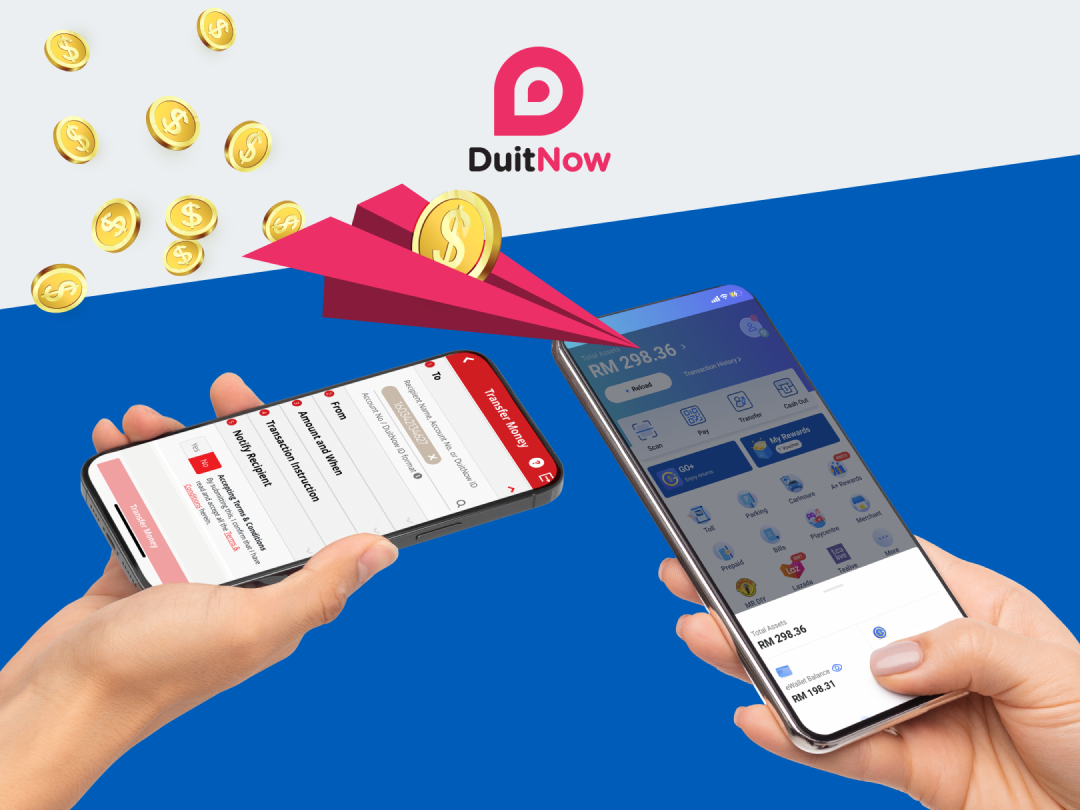
Transfer money more conveniently and easily with DuitNow Transfer
With your Touch ‘n Go eWallet’s DuitNow account number, you can receive instant fund transfers from ALL banks in Malaysia
Enjoy the benefits of DuitNow Transfer
DuitNow Transfer is an instant fund transfer function that allows you to receive and send funds between your eWallet and bank account(s).

Supported by ALL banks in Malaysia

FREE to use

NO registration needed
Why should I use DuitNow Transfer
- Add your DuitNow account number in your bank app as a favourite for easier and faster transfers
- Share your DuitNow account number with just a tap from your eWallet
- Transfer any amount, even as low as RM1

Ways to use DuitNow
1
Tap on Profile icon

2
Tap on "DuitNow Transfer"

3
Tap "Link eWallet with DuitNow"

4
Tap "Link eWallet with DuitNow"

5
Start receiving money using your mobile number


Watch the tutorial below
Scan the QR code to activate DuitNow Transfer on your Touch ‘n Go eWallet App
Read the full Terms & Conditions and FAQ here
Have a question?
What is DuitNow Transfer?
DuitNow Transfer is a real-time fund transfer feature that allows you to perform the following:
- Transfer funds from any Malaysian internet banking platform or participating eWallets, to your TNG eWallet by entering your recipient’s DuitNow ID or TNG eWallet account number; and
- Transfer funds from your TNG eWallet to any Malaysian internet banking platform or participating eWallet
You can refer to the complete and latest list of participating banks and eWallets here.
How do I transfer money from my internet banking account to a TNG eWallet?
There are two ways you can transfer money into your TNG eWallet:
Option 1: via DuitNow ID
DuitNow ID is an identifier which will be used to register your mobile number to your TNG eWallet account number.
Below is a step-by-step guide on how to complete your DuitNow ID registration.
Upon successful registration, you can now transfer funds from your internet banking account by keying in the mobile number that was registered with TNG eWallet.
Option 2: via TNG eWallet account number
Alternatively, you can also transfer funds by entering your Touch ‘n Go eWallet account number which can be found on (i) your profile page or (ii) on the receive funds page.
How do I transfer money from my TNG eWallet to my internet banking account?
In order for you to transfer money to an internet banking account/other eWallet, you will first have to verify your TNG eWallet.
Once successfully verified, you will be able to transfer money out of your TNG eWallet via the following steps:
*Quick reload payment for transfer is not applicable for DuitNow Transfer
How long does it take for me to receive money via DuitNow Transfer?
Recipients will receive funds immediately upon successful DuitNow Transfer transaction.
Can I make transfers to my bank’s credit card account/loan account from my TNG eWallet?
Yes. All you need to do is key in the correct account number and select the corresponding transfer type
If my TNG eWallet account is suspended, can I still receive/transfer money via DuitNow Transfer?
In the event that your TNG eWallet is suspended, you will be unable to receive/transfer funds via Duitnow Transfer.
Please reach out to us via Chatbot on the TNG eWallet apps. Our operating hours are Monday to Sunday, 7.00 am to 10.00 pm (including public holidays).
What does it mean if my transfer is “in progress”?
In the event where there's an intermittence issue, your transfer will be flagged as “transfer in progress”. We will attempt to resend your money within 24 hours. However, if it still fails, the money will be reversed to your TNG eWallet account.