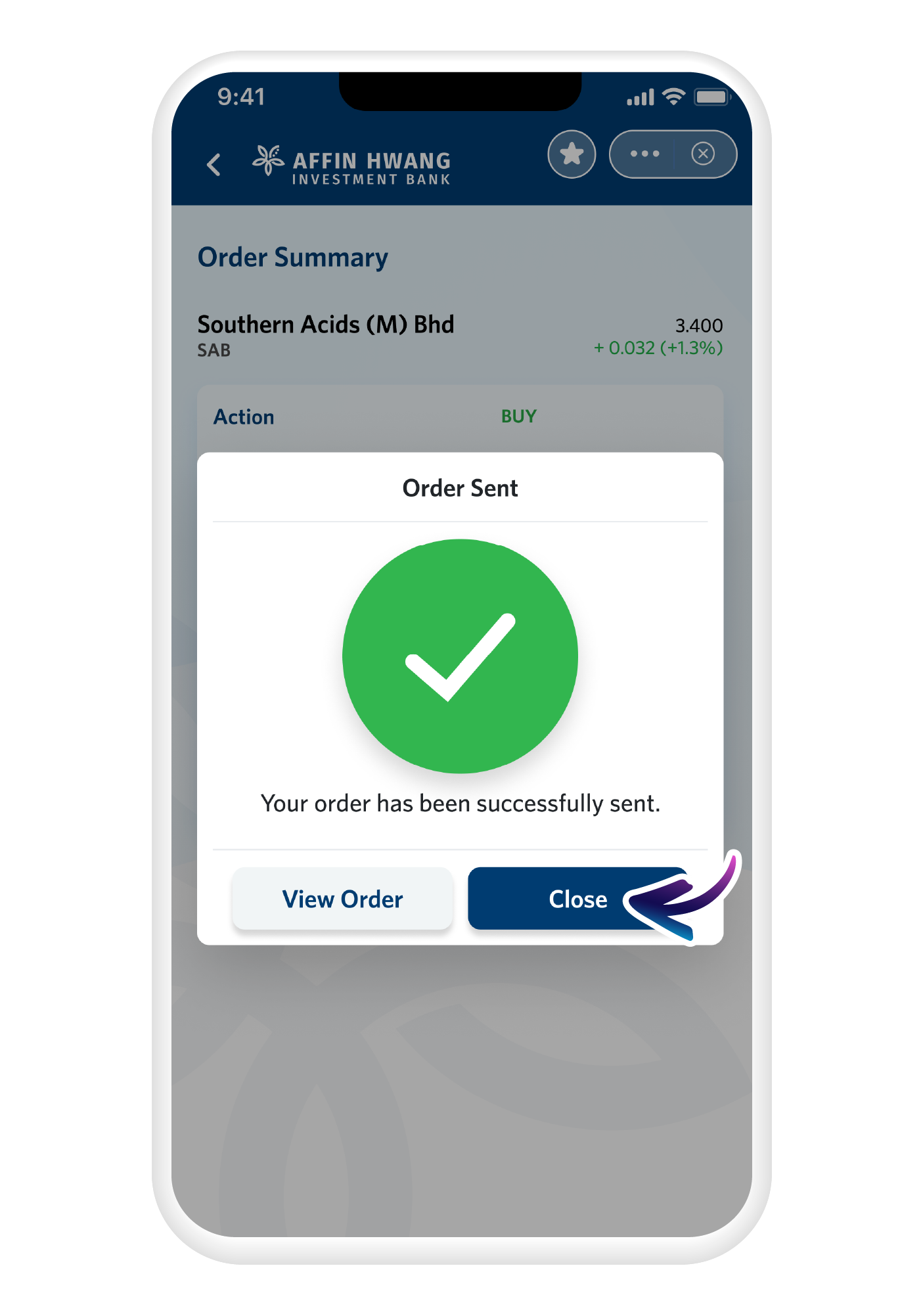
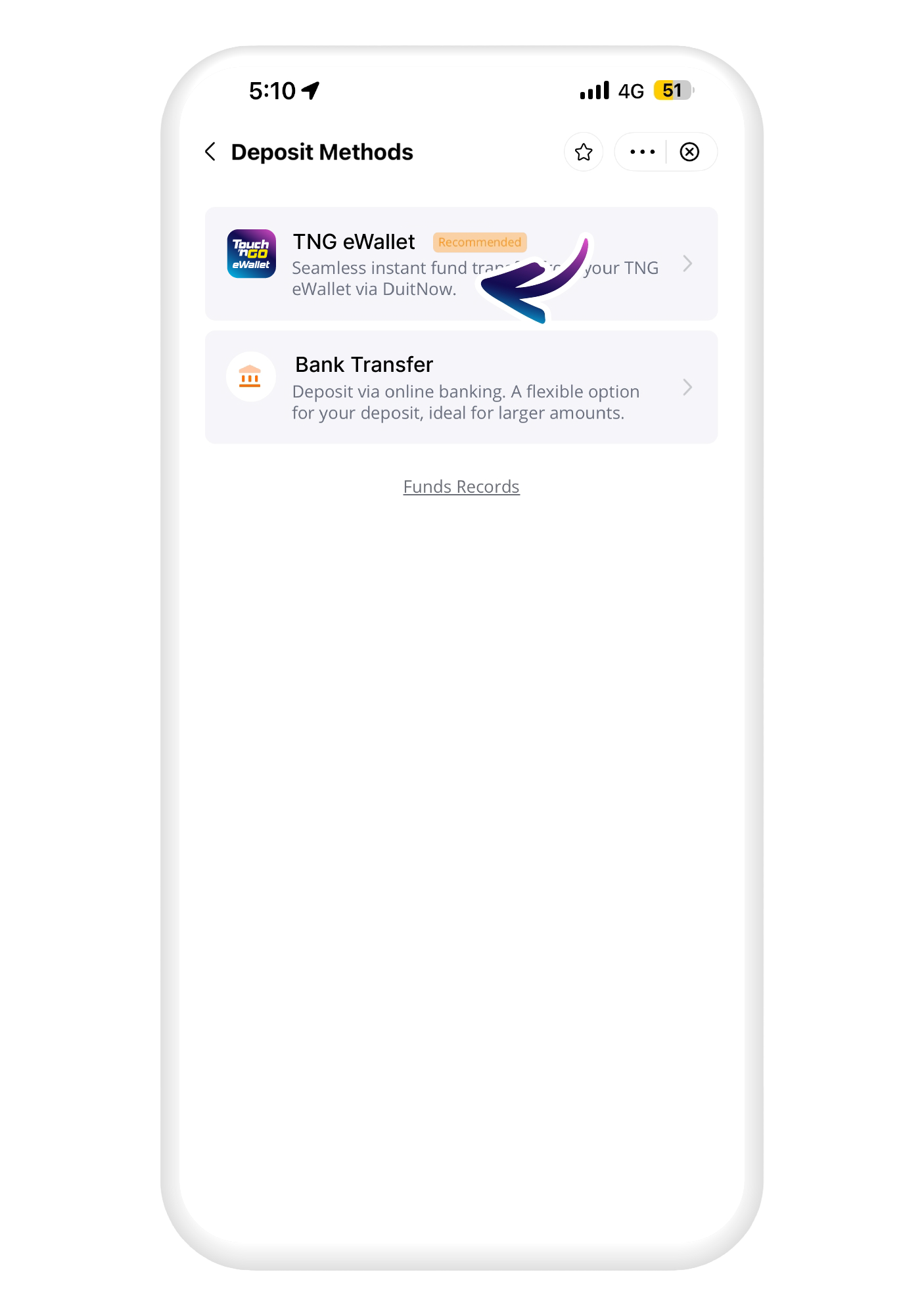
Explore online stock trading across local and global markets through TNG eWallet. Buy and sell stocks and Exchange Traded Funds (ETFs) listed on Bursa Malaysia with e-Trade, powered by Affin Hwang Investment Bank, or access shares listed in the US, Hong Kong and China A-share markets with Webull Securities (Malaysia) Sdn. Bhd.
Both platforms are accessible directly through TNG eWallet, so you do not need a separate trading app.

Why trade stocks through TNG eWallet?

Two trading platforms, one app
Access stocks and ETFs listed on Bursa Malaysia through e-Trade or explore global shares through Webull, all from TNG eWallet.

Built for beginners and experienced traders
e-Trade is designed for beginners with a simple interface and real-time market data while Webull suits investors ready to explore global markets.
Cash upfront trading
Trade only using the funds available in your account, keeping you in control of your trading activity and risk.
Choose your stock trading platform

Webull
Trade shares listed on US, Hong Kong and China-A markets, including companies like Apple, NVIDIA and Tesla. Webull Securities (Malaysia) Sdn Bhd is regulated by the Securities Commission Malaysia under a Capital Markets Services Licence.
Why trade global stocks with Webull?

Access global markets
Trade shares listed in the US, Hong Kong and China A-share markets directly through TNG eWallet, giving you access to some of the world's largest and most recognised companies.

Regulated and trusted
Webull Securities (Malaysia) Sdn Bhd is regulated by the Securities Commission Malaysia, giving you confidence that your investments are in safe hands.

Simple account opening
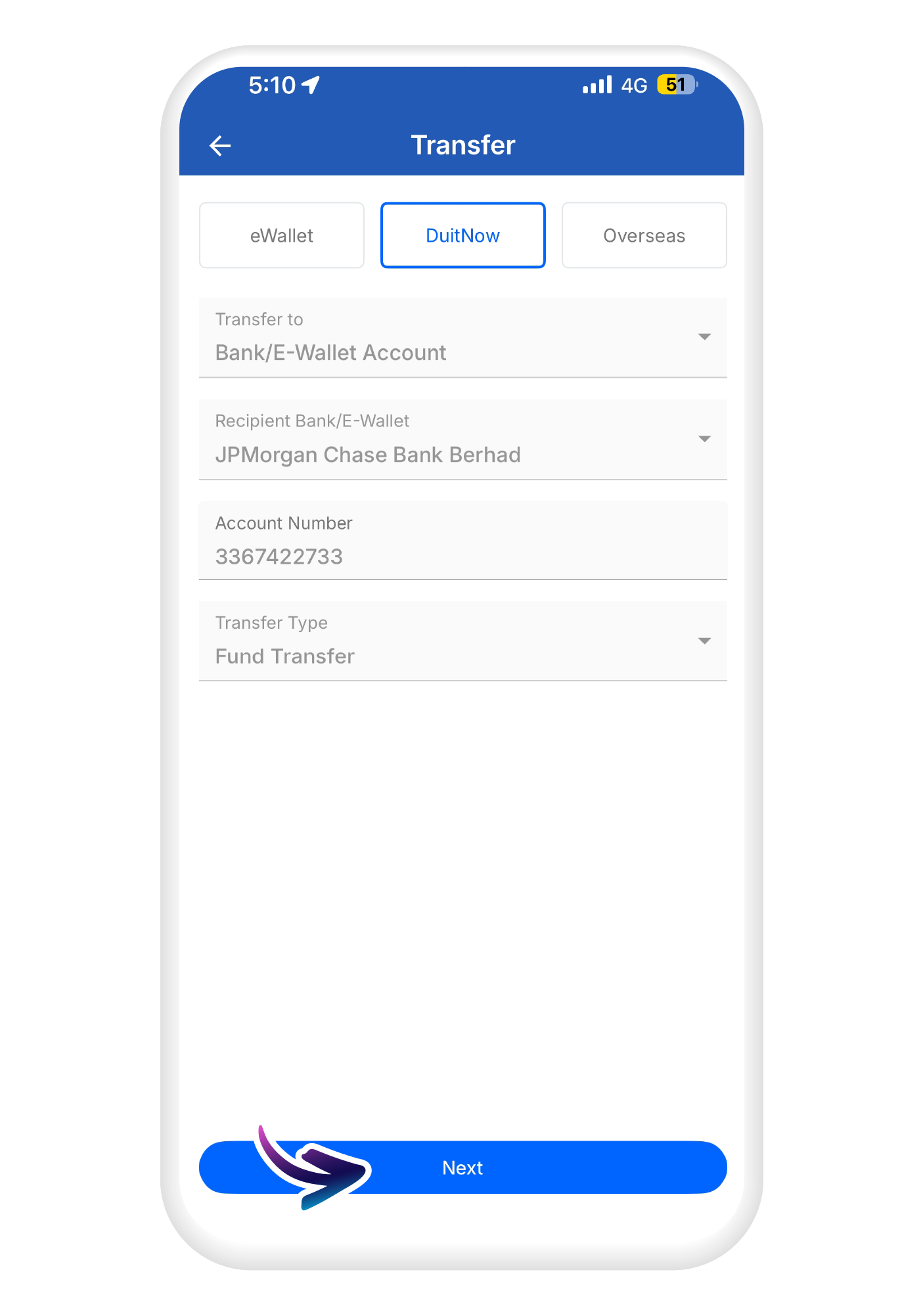
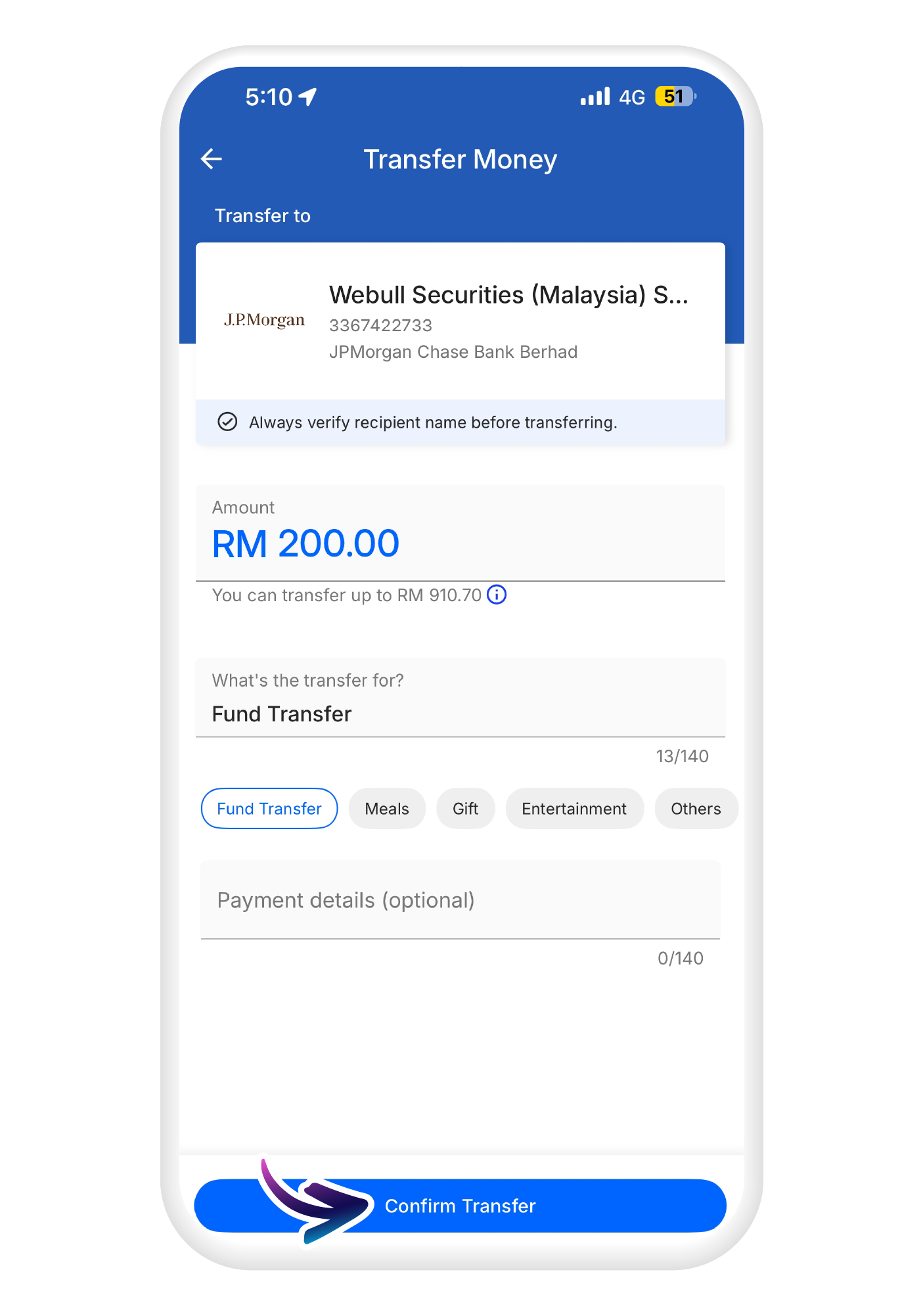
Open a Webull trading account, deposit funds and start trading global shares entirely within TNG eWallet, with no separate app needed.
Start trading international stocks

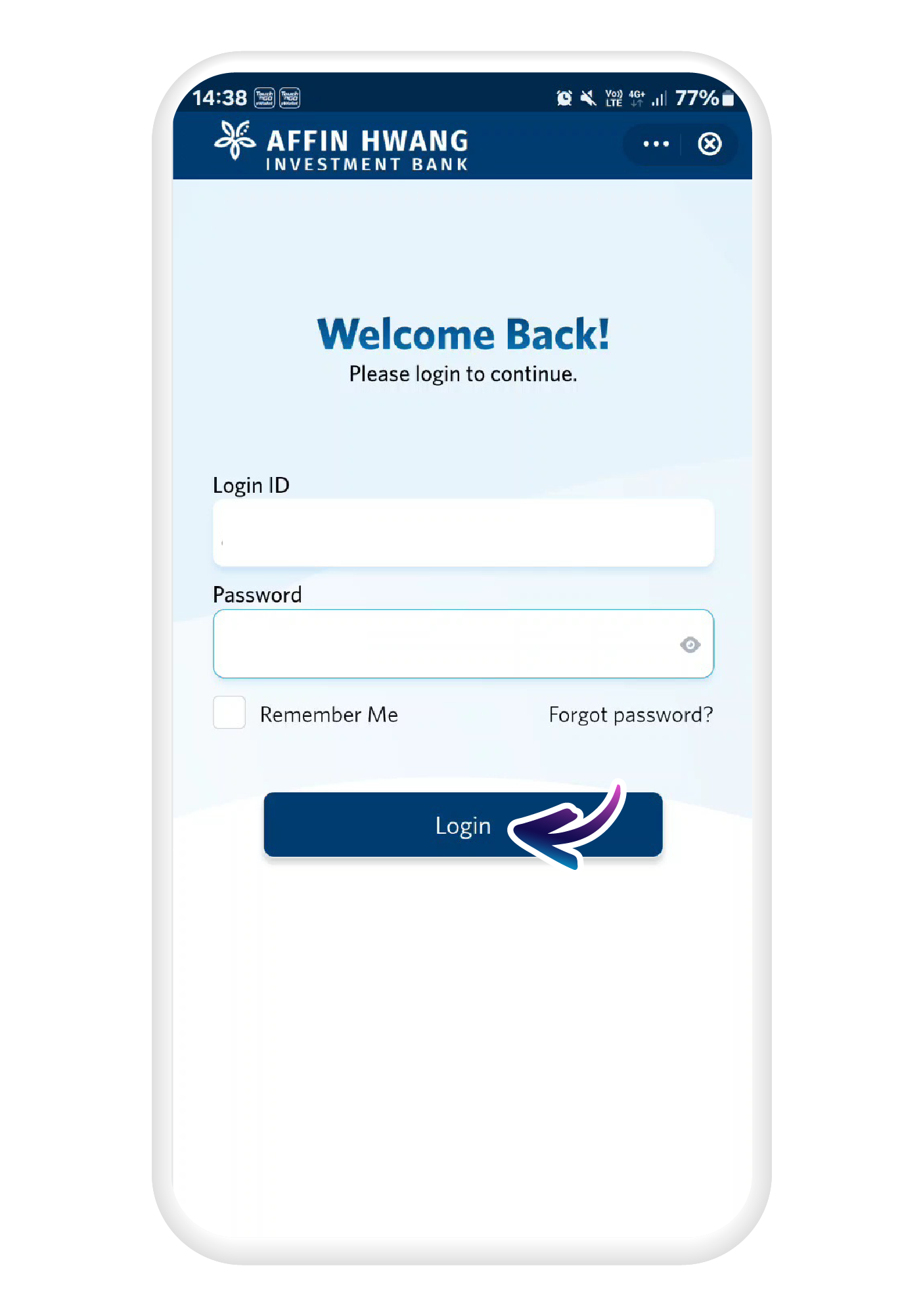
e-Trade
Buy and sell stocks and ETFs listed on Bursa Malaysia, powered by Affin Hwang Investment Bank. Designed for beginners, e-Trade gives you real-time market data and educational resources from MyBURSA to help you trade local stocks with confidence.
Trade Bursa Malaysia stocks with e-Trade
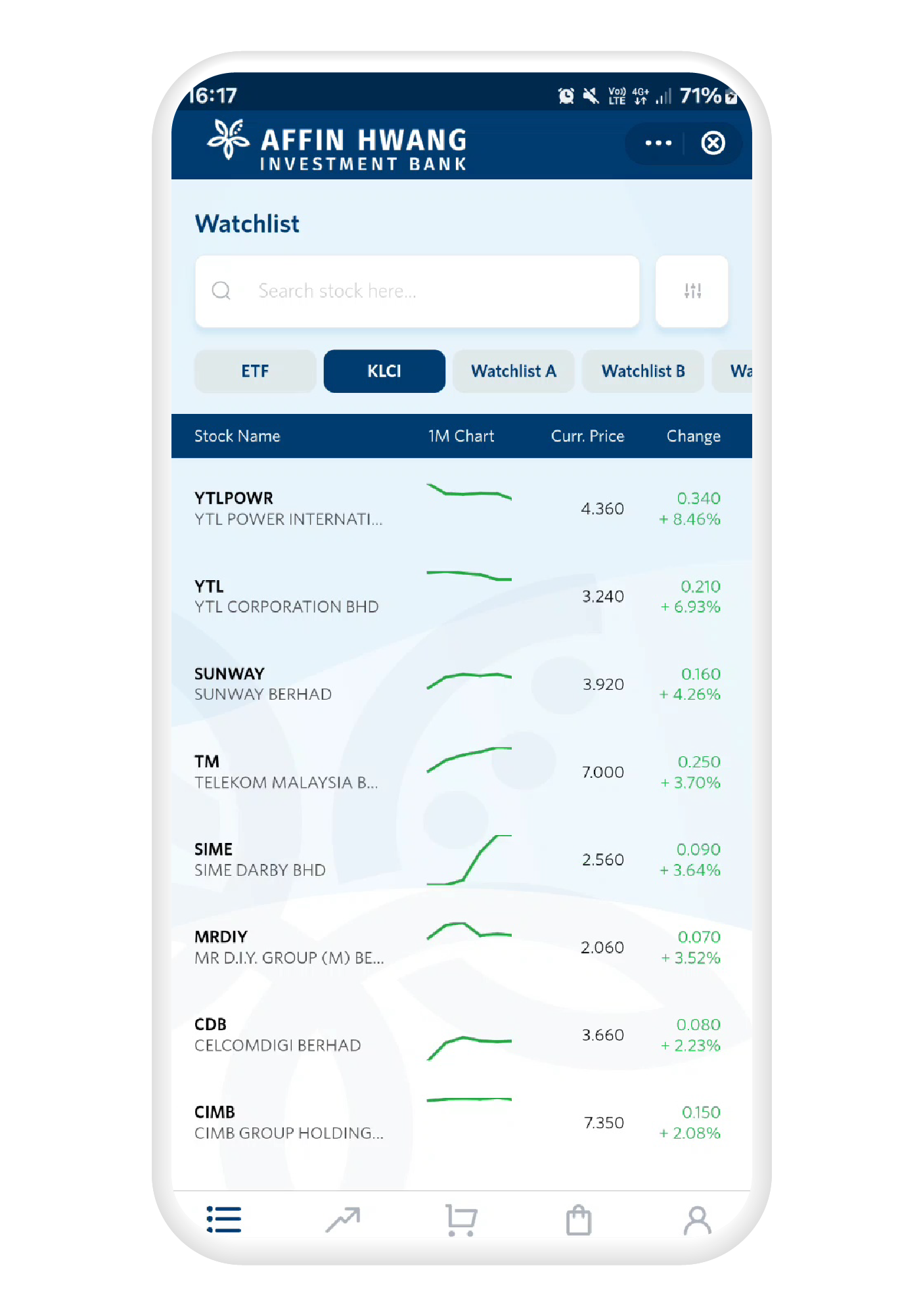
Real-time market data
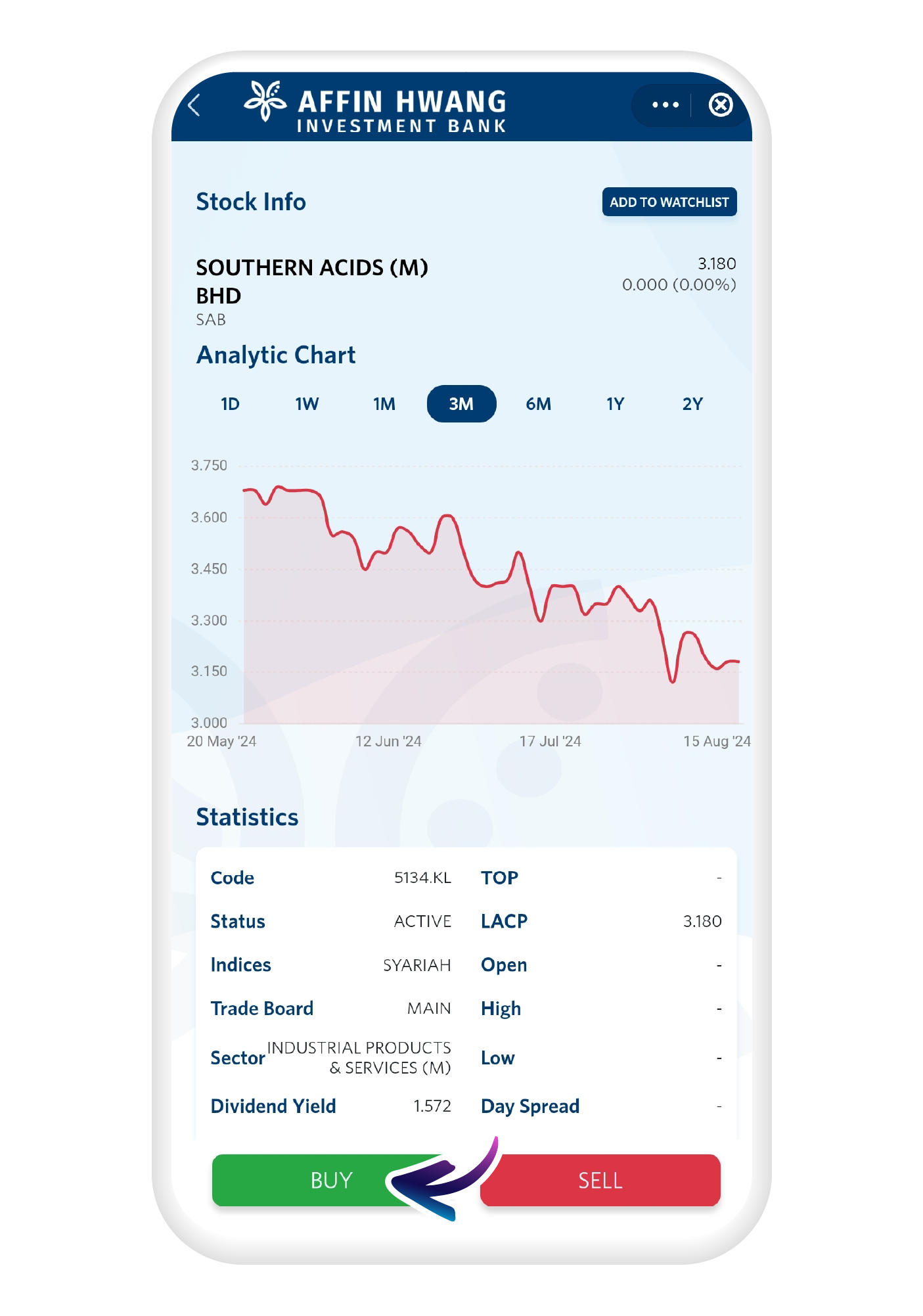
Use live market data to make informed trading decisions and manage your stock portfolio through TNG eWallet.
Controlled risk with cash upfront trading
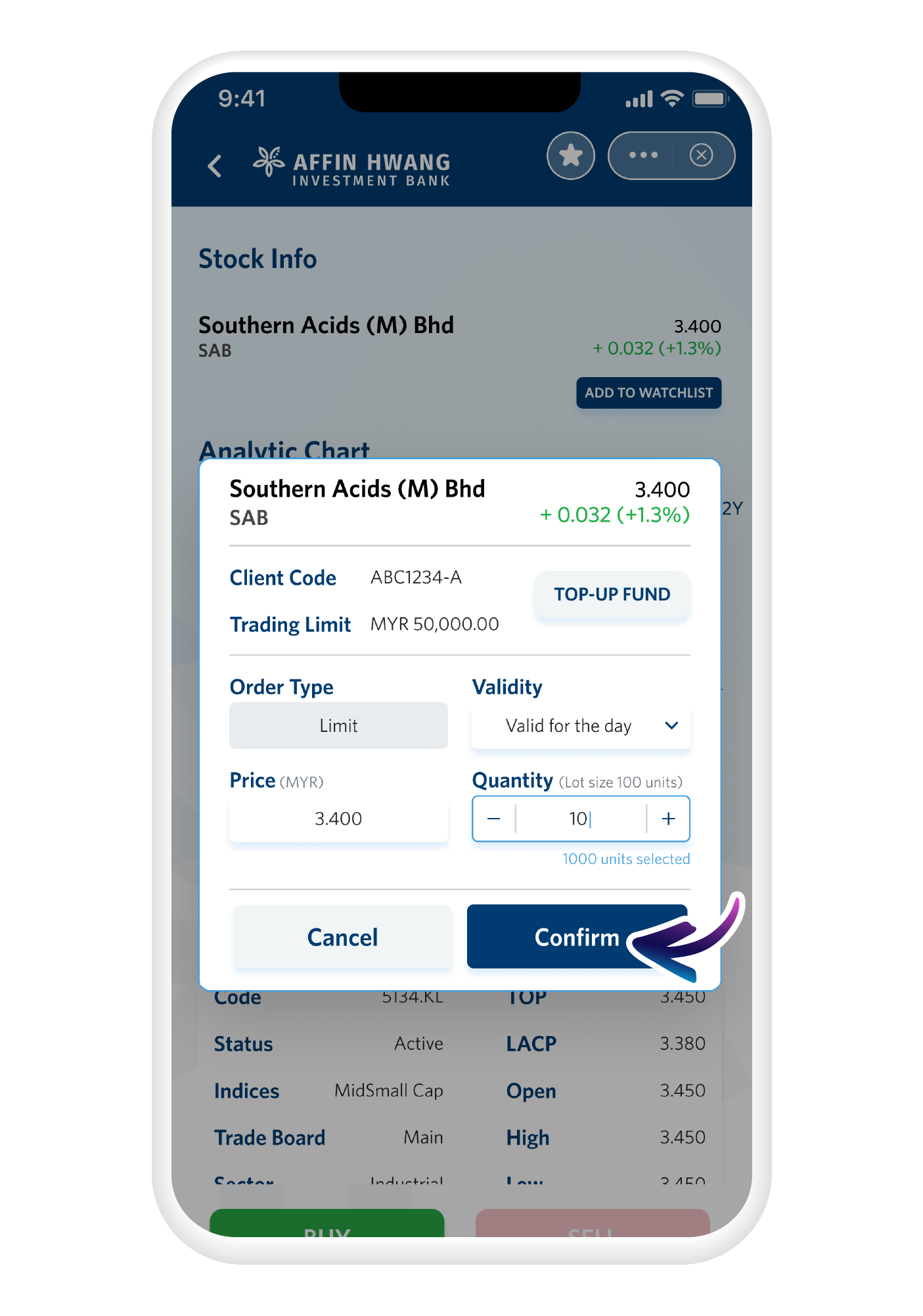
Trade only using the funds available in your account. This makes e-Trade suitable for beginners who want to start small and manage their risk.
Competitive fees, no platform fees
Buy and sell local stocks with competitive brokerage fees and zero platform fees, keeping your trading costs as low as possible.
Start trading Malaysian stocks
Start trading international stocks in a few simple steps
1
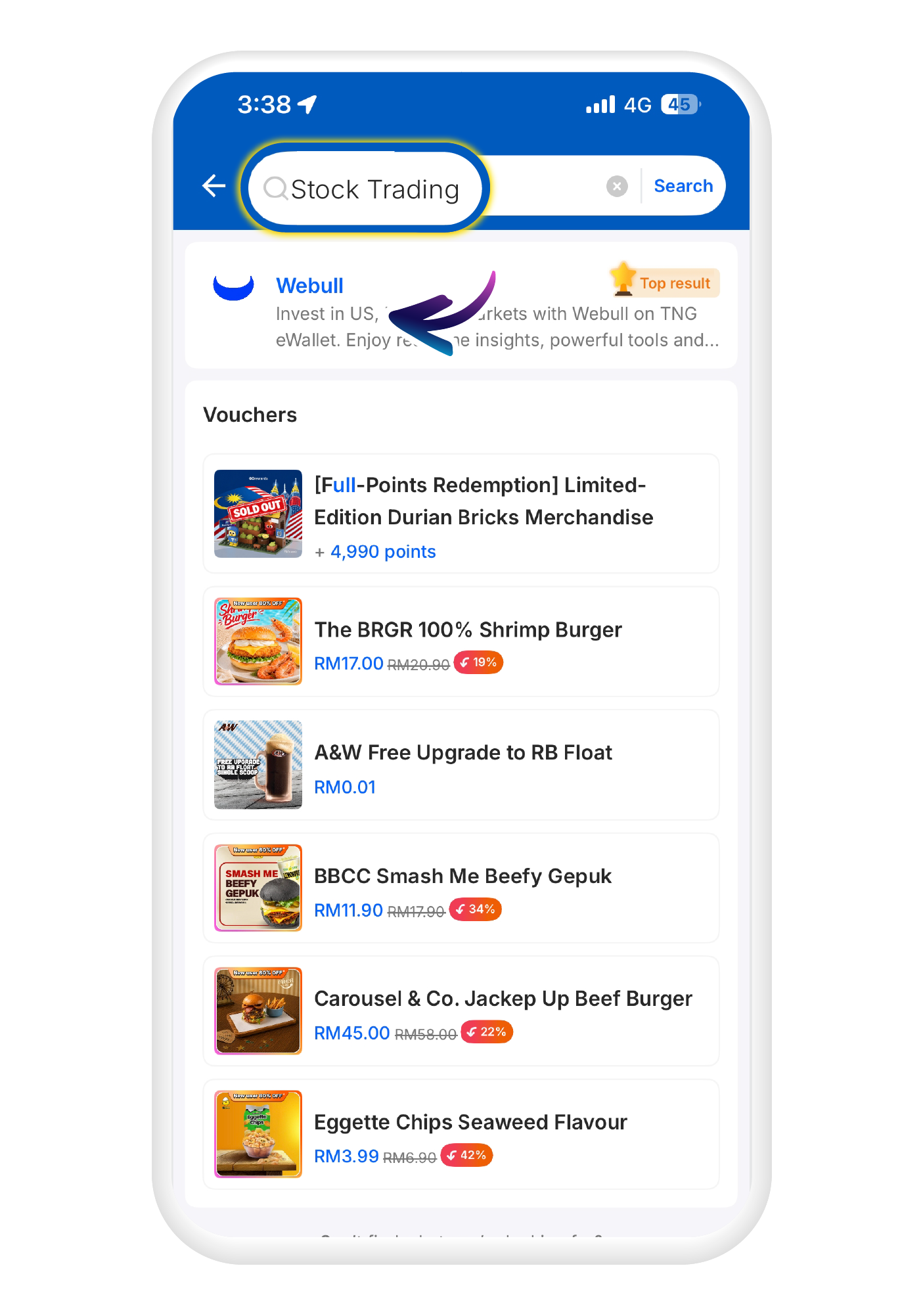
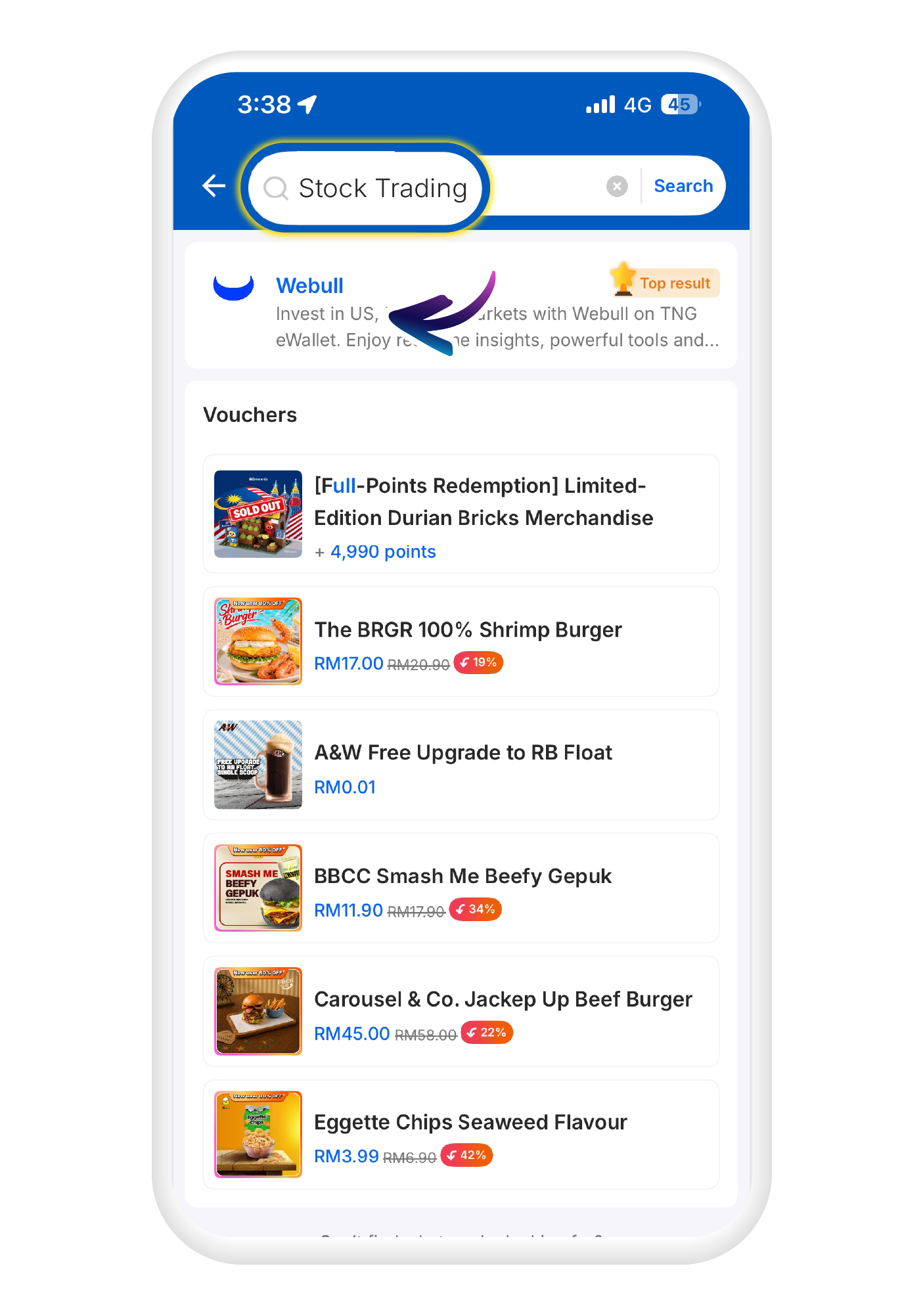
Search for "Stock trading" in the search bar and click on the "Webull" icon
2
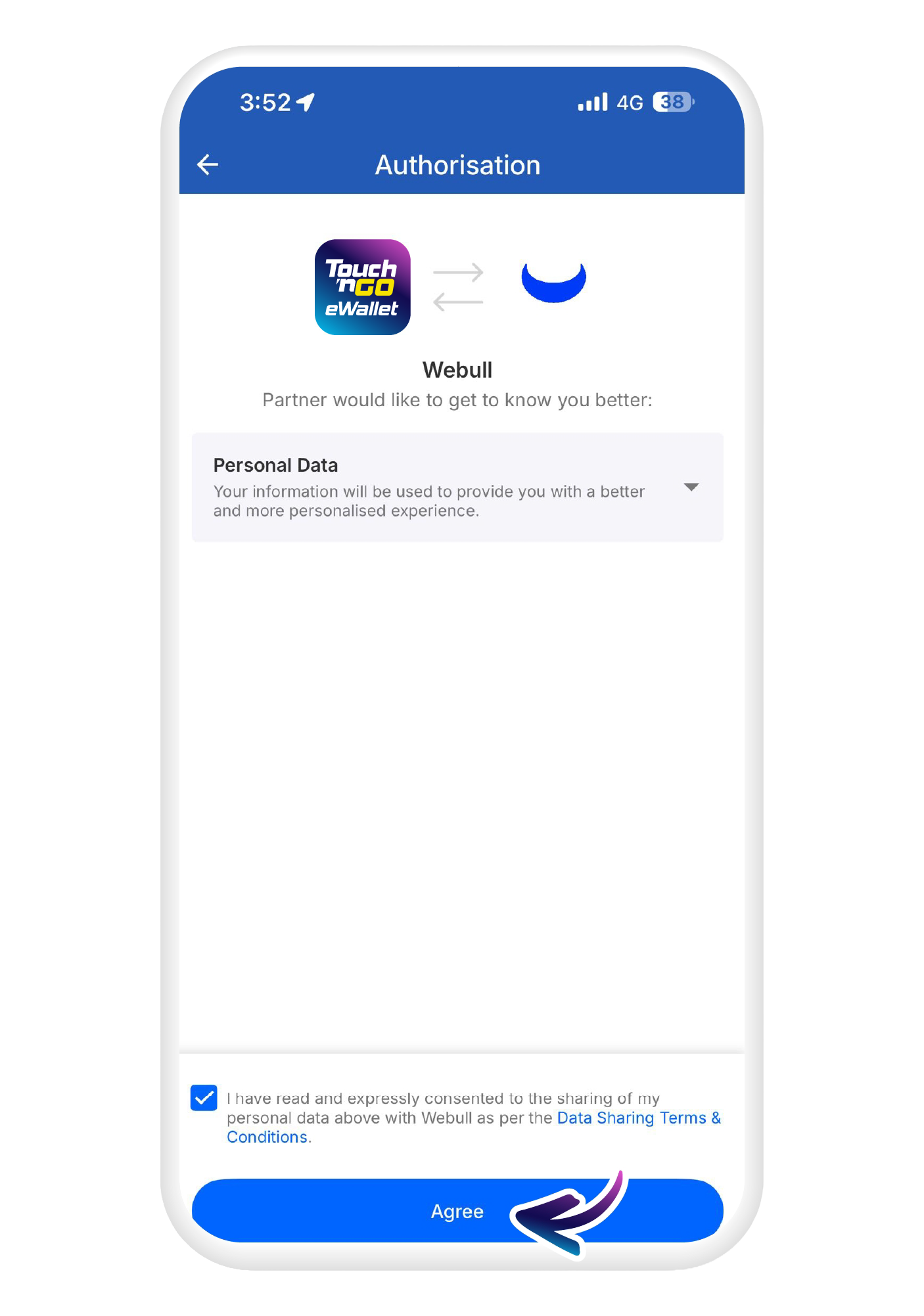
Tap "Agree" to proceed.
3
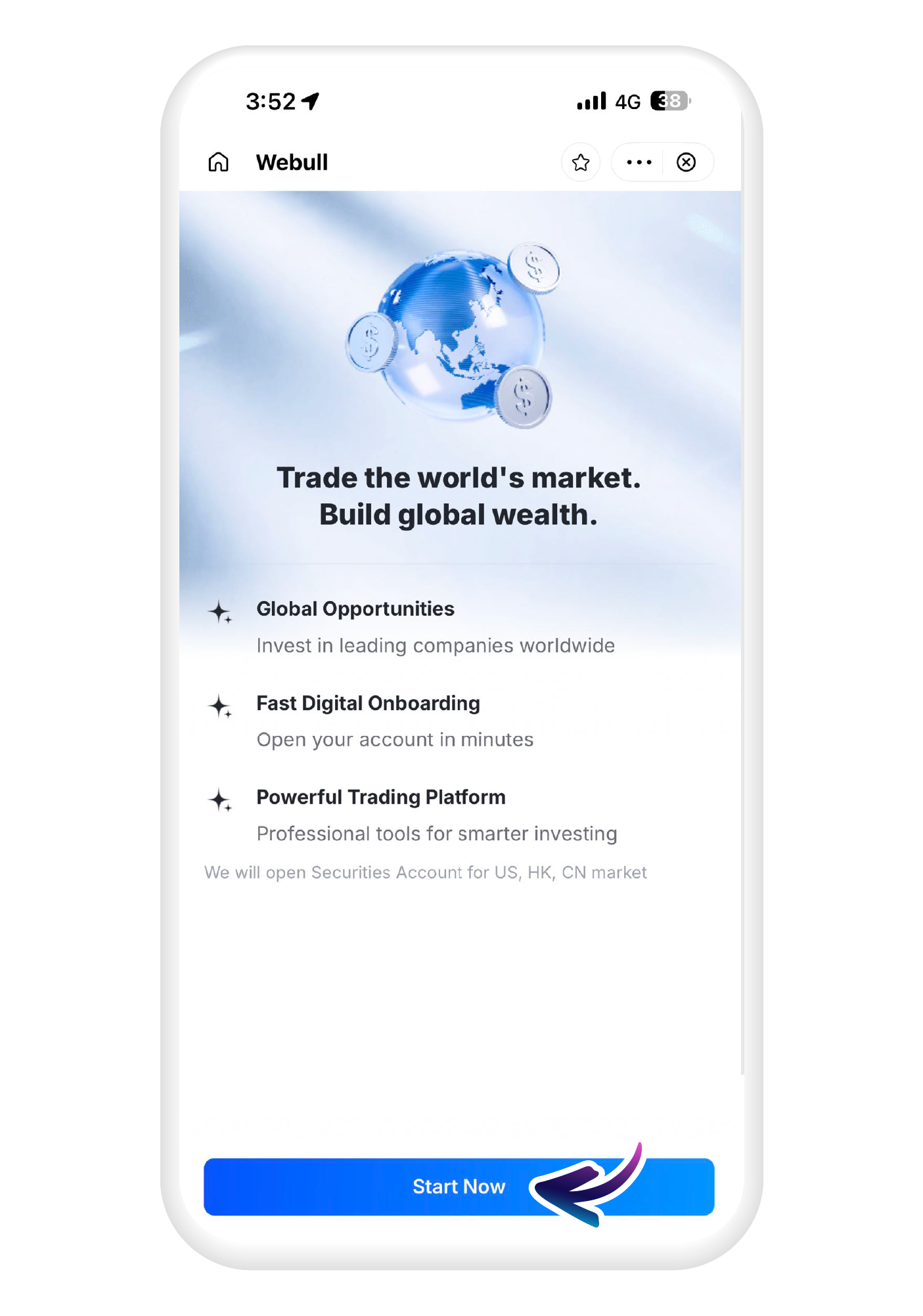
To get started, tap on "Start Now"
4
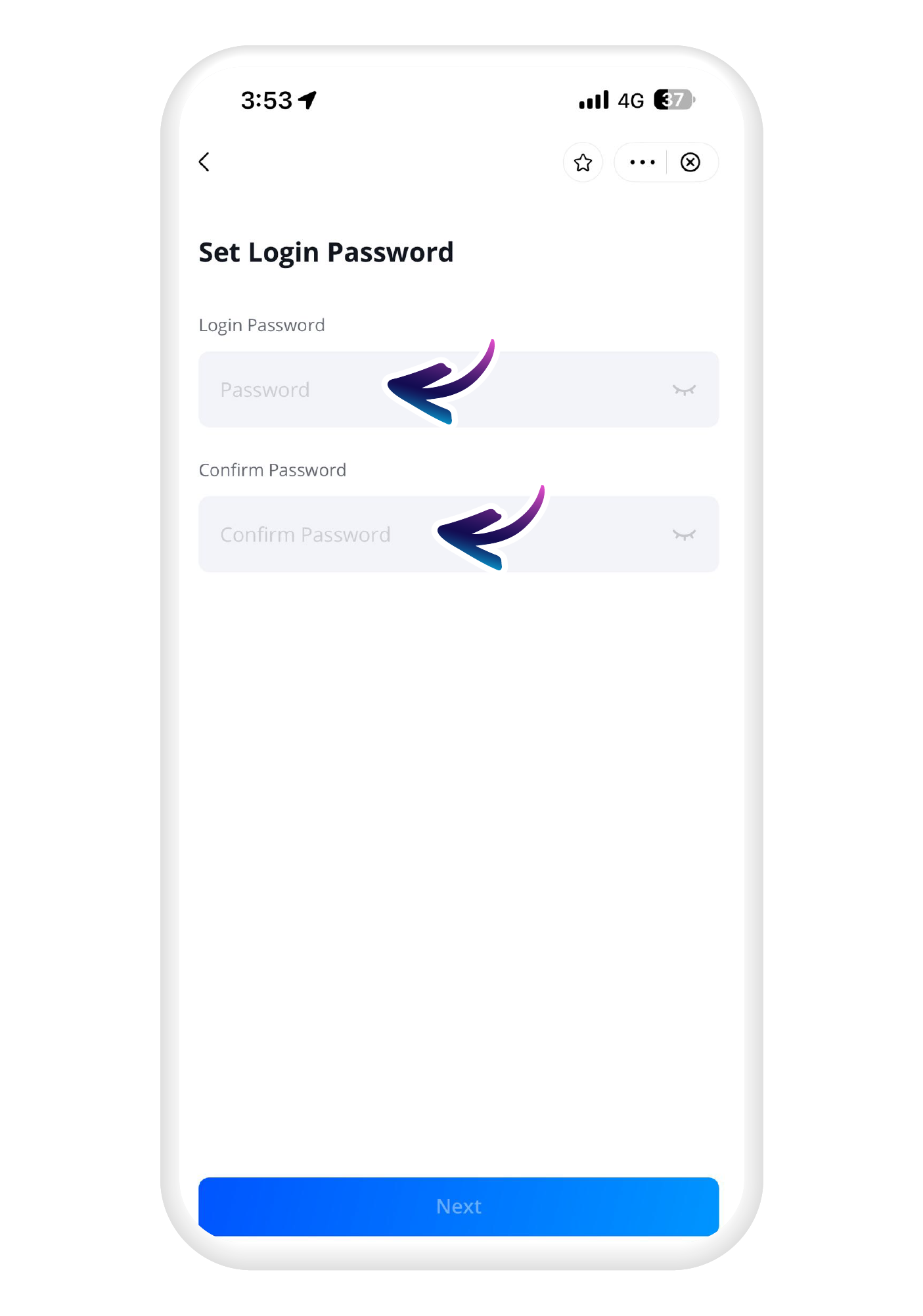
Set your login details
5
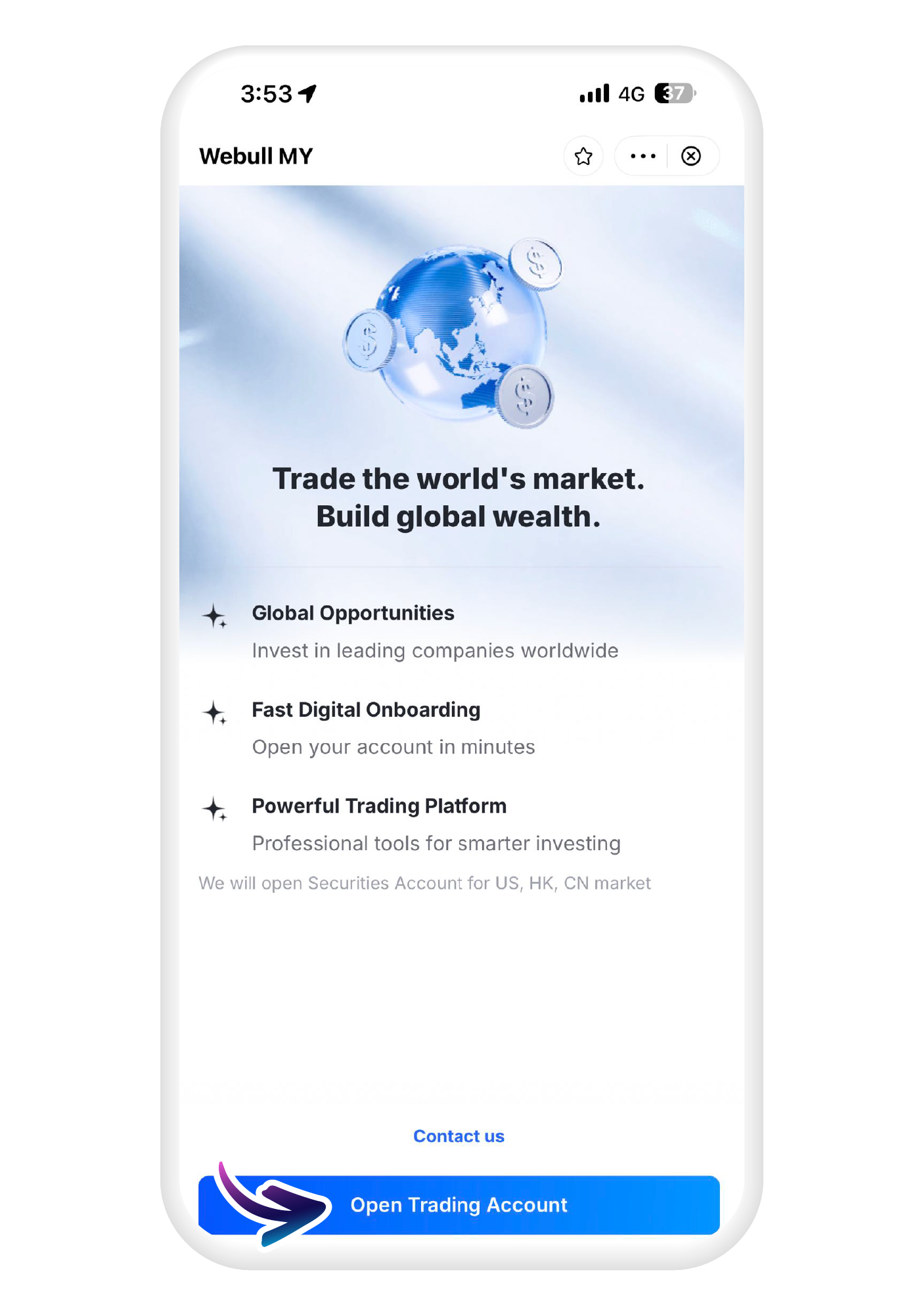
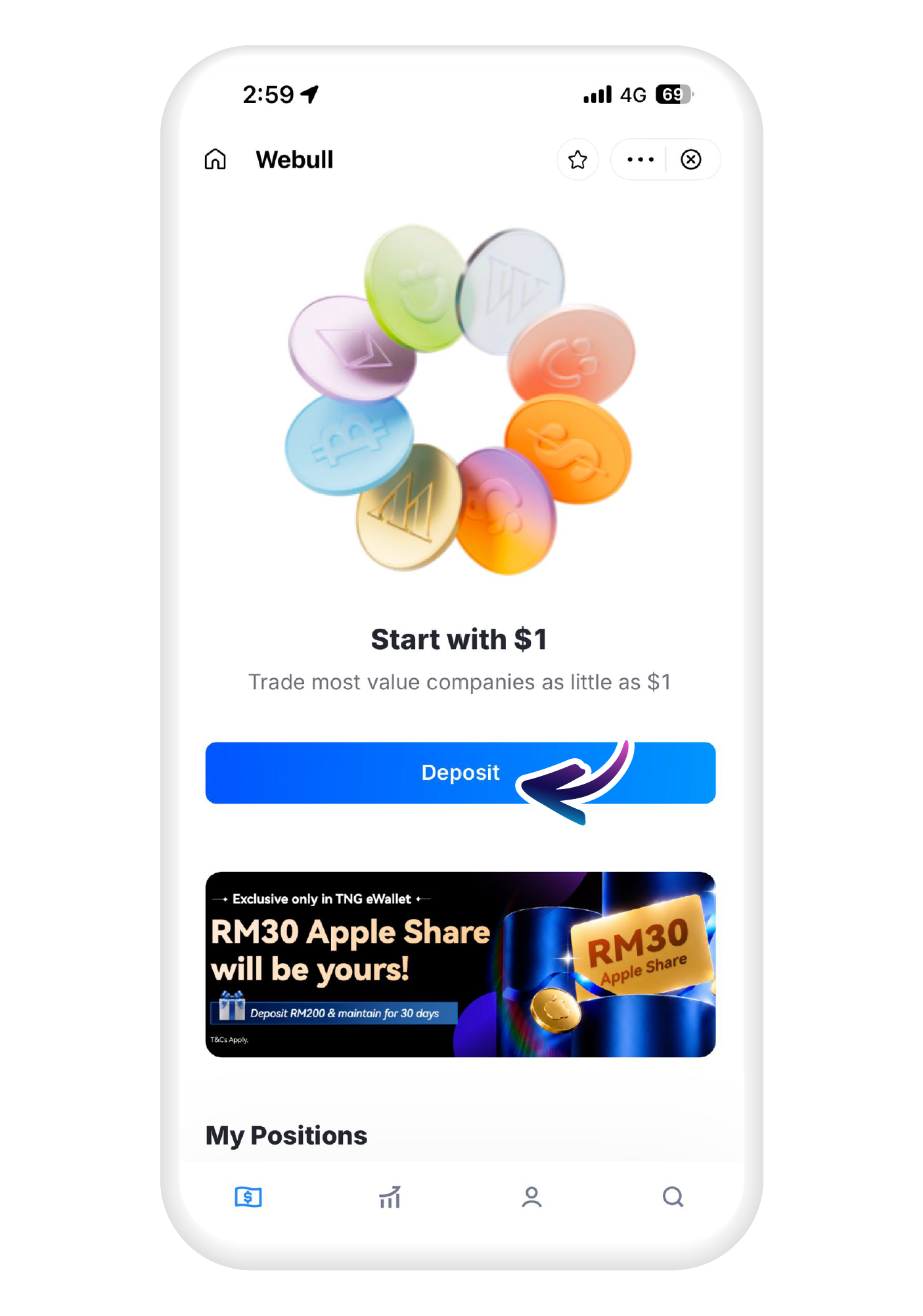
Tap on "Open Trading Account"
6
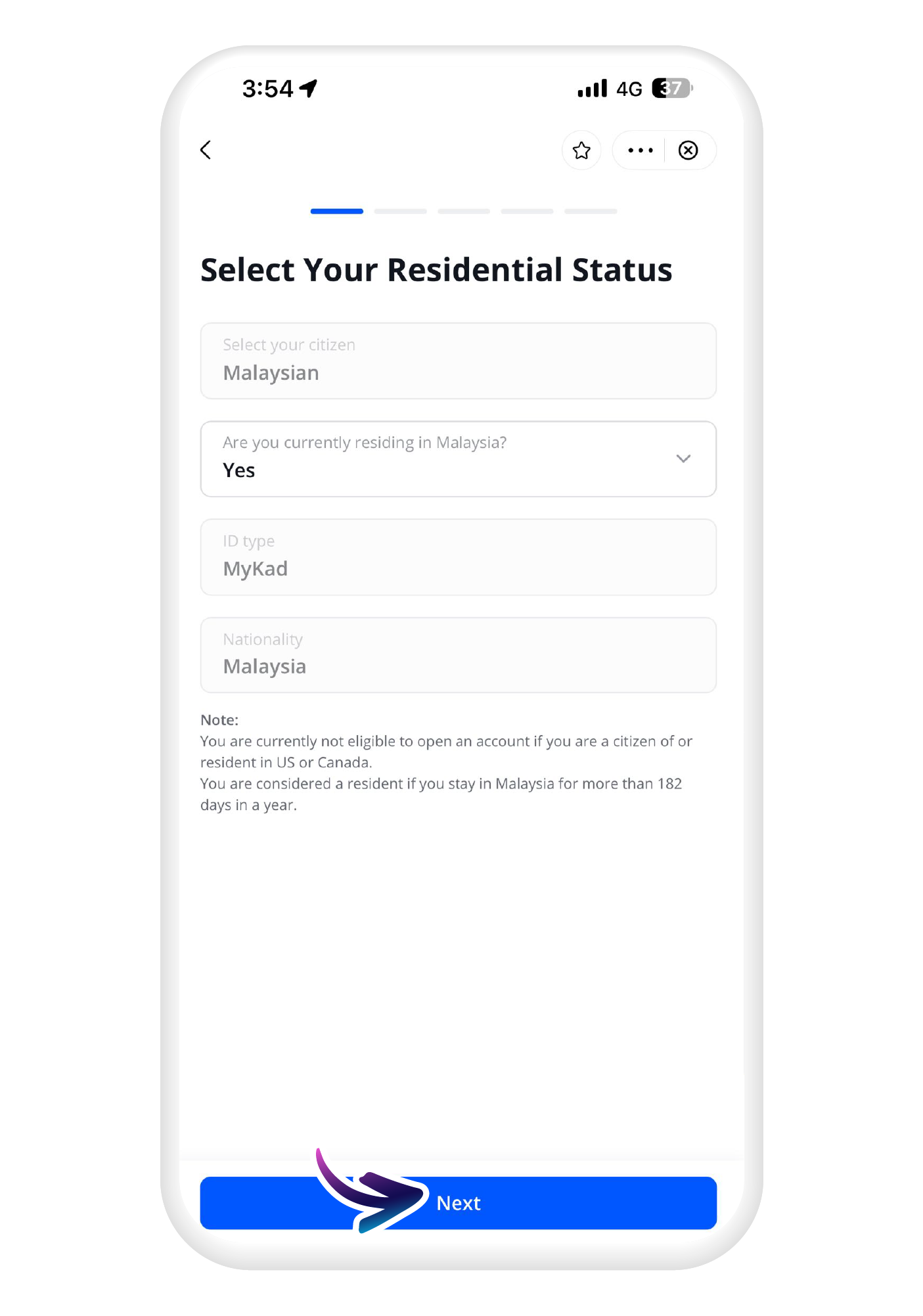
Fill in your details
7
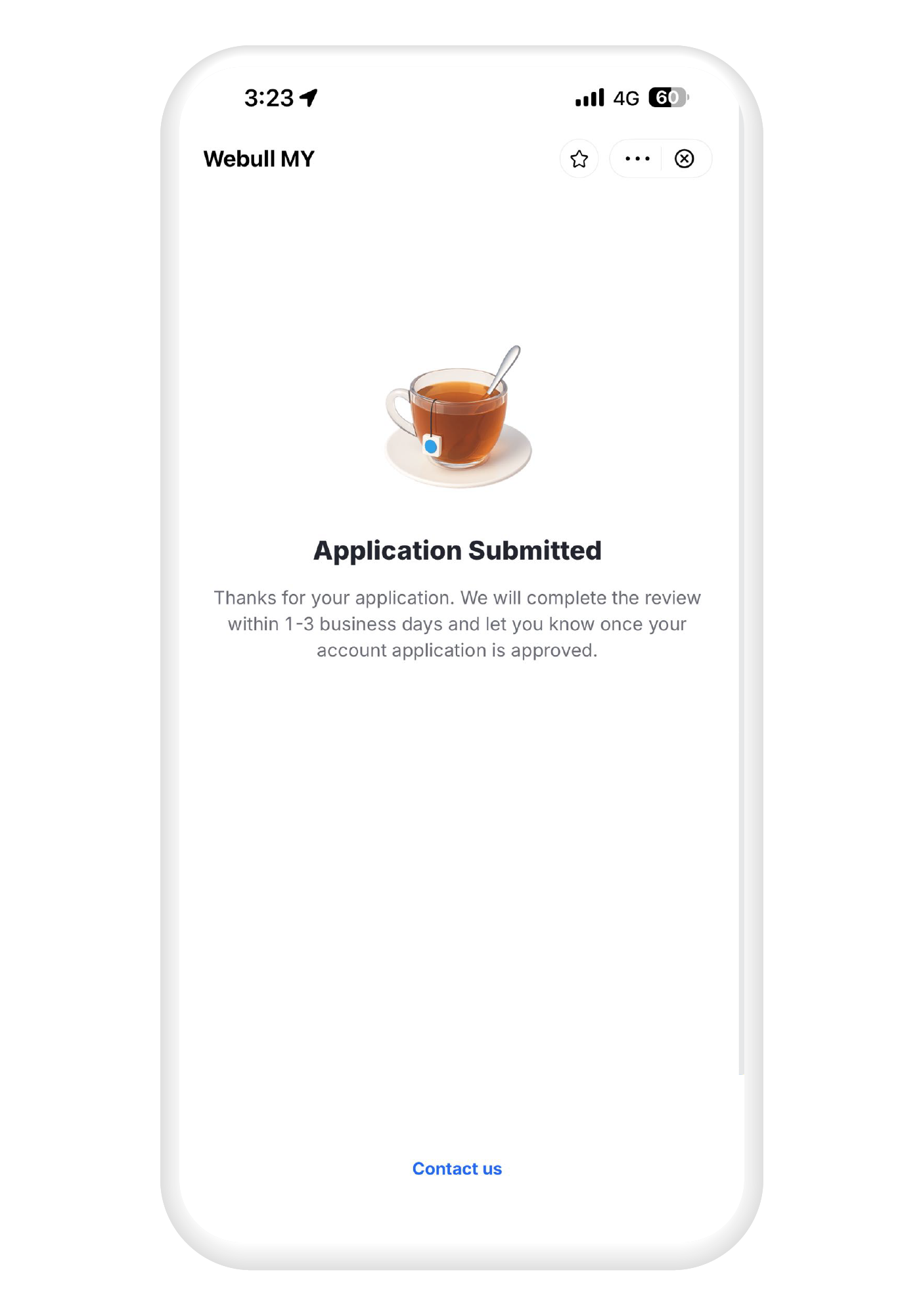
You will receive an email once your application has been approved!
Start trading Malaysian stocks in a few simple steps
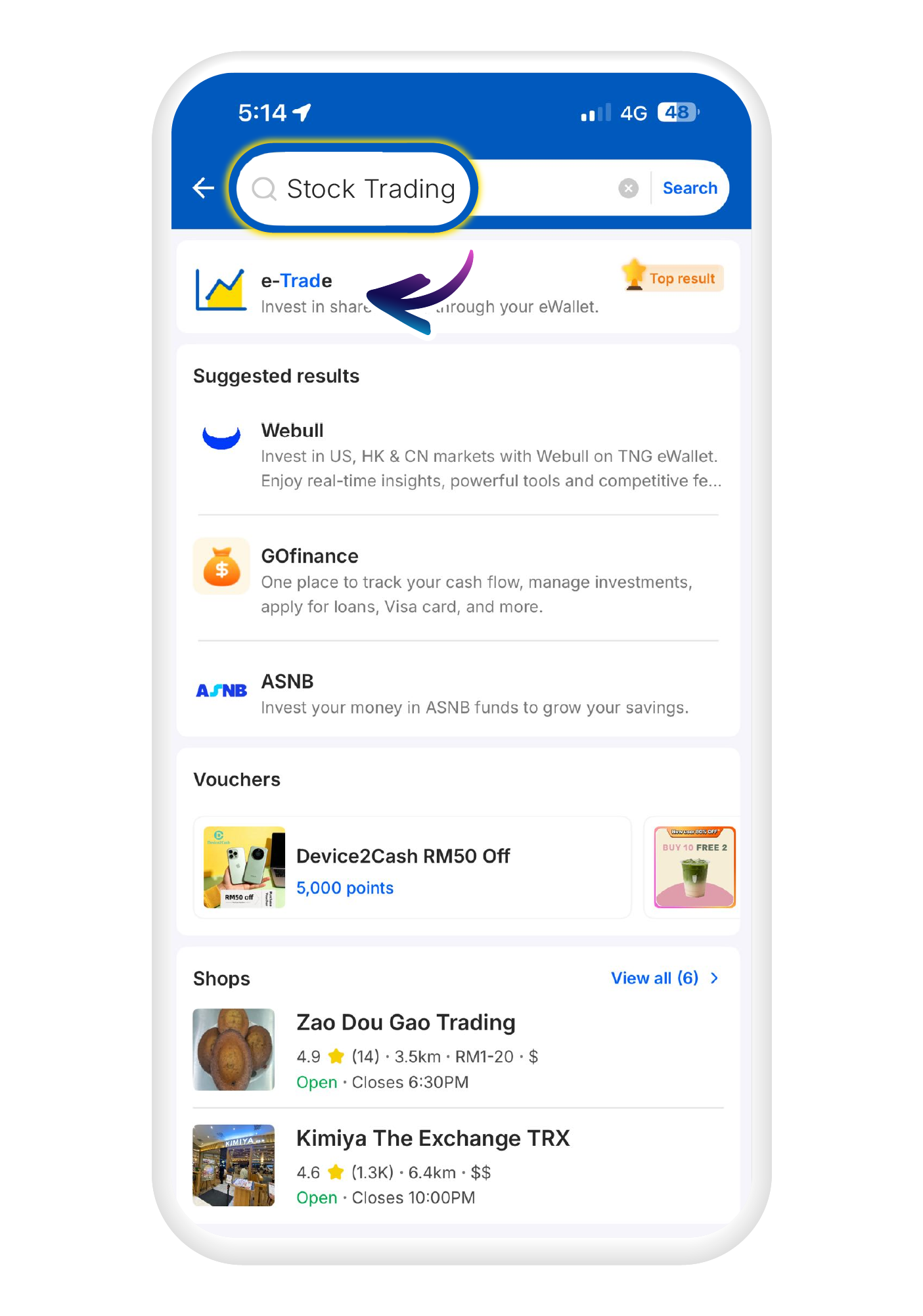
1
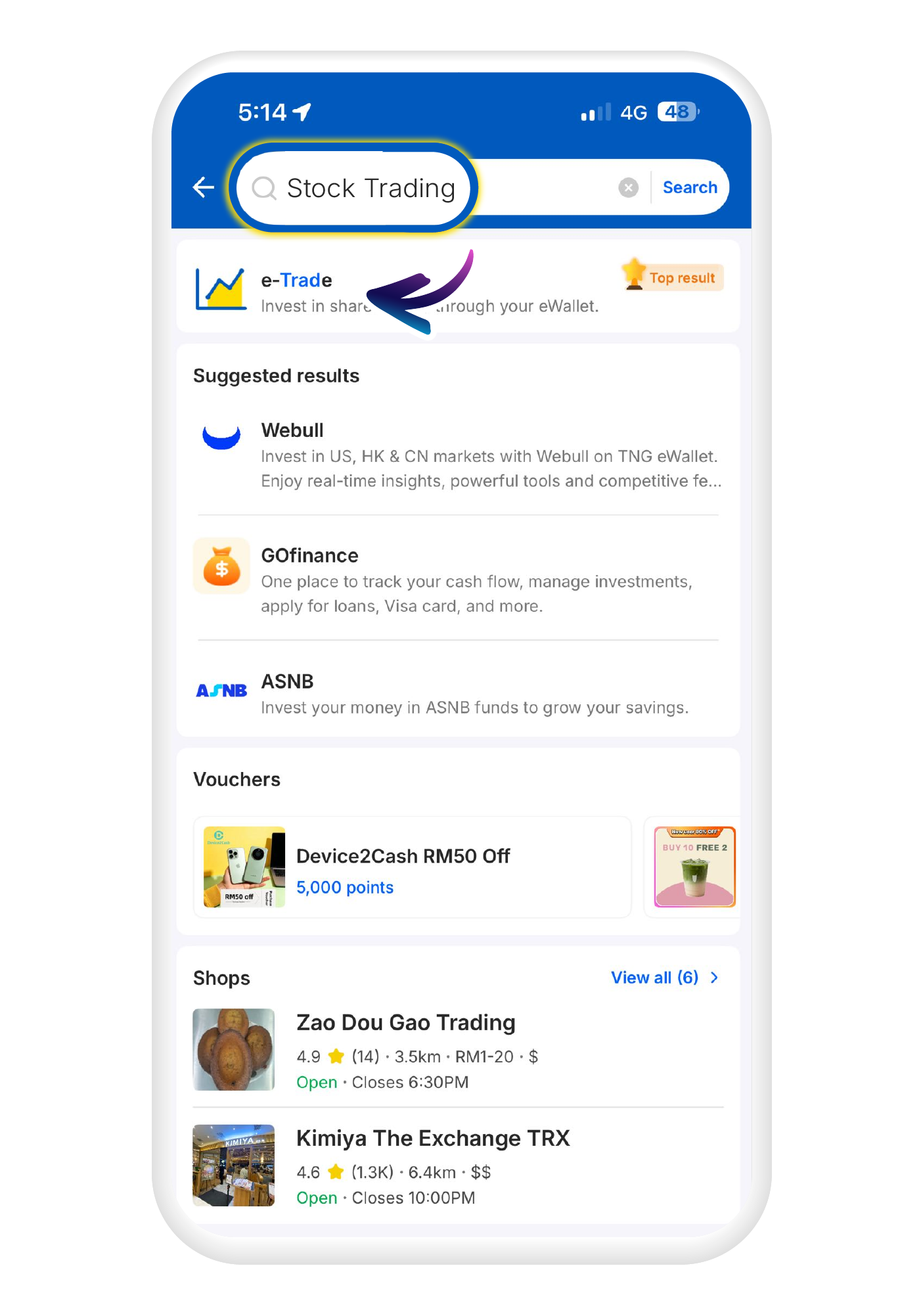
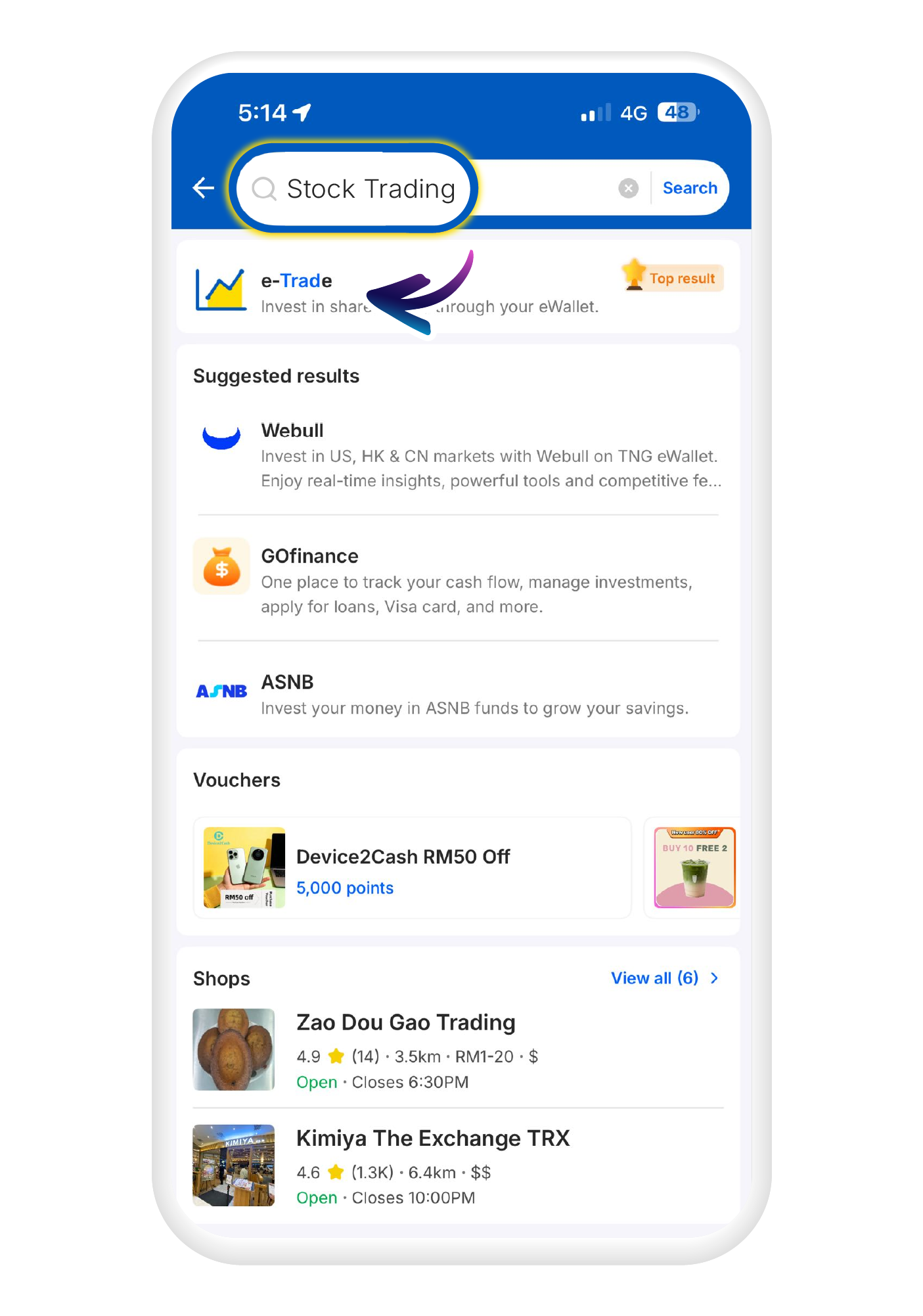
Search for "Stock trading" in the search bar and click on the "e-trade" icon
2
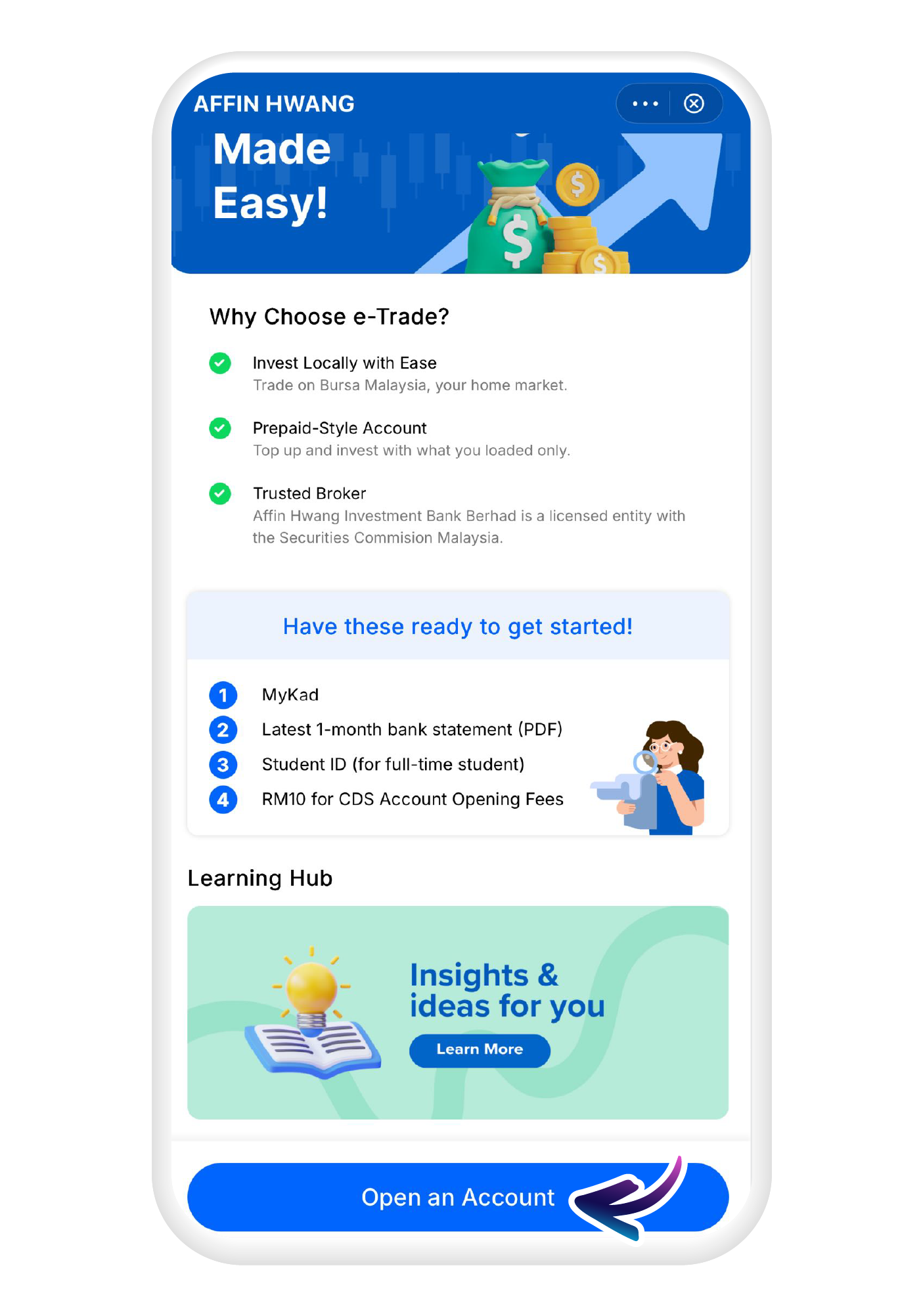
Tap "Open an Account" to proceed
3
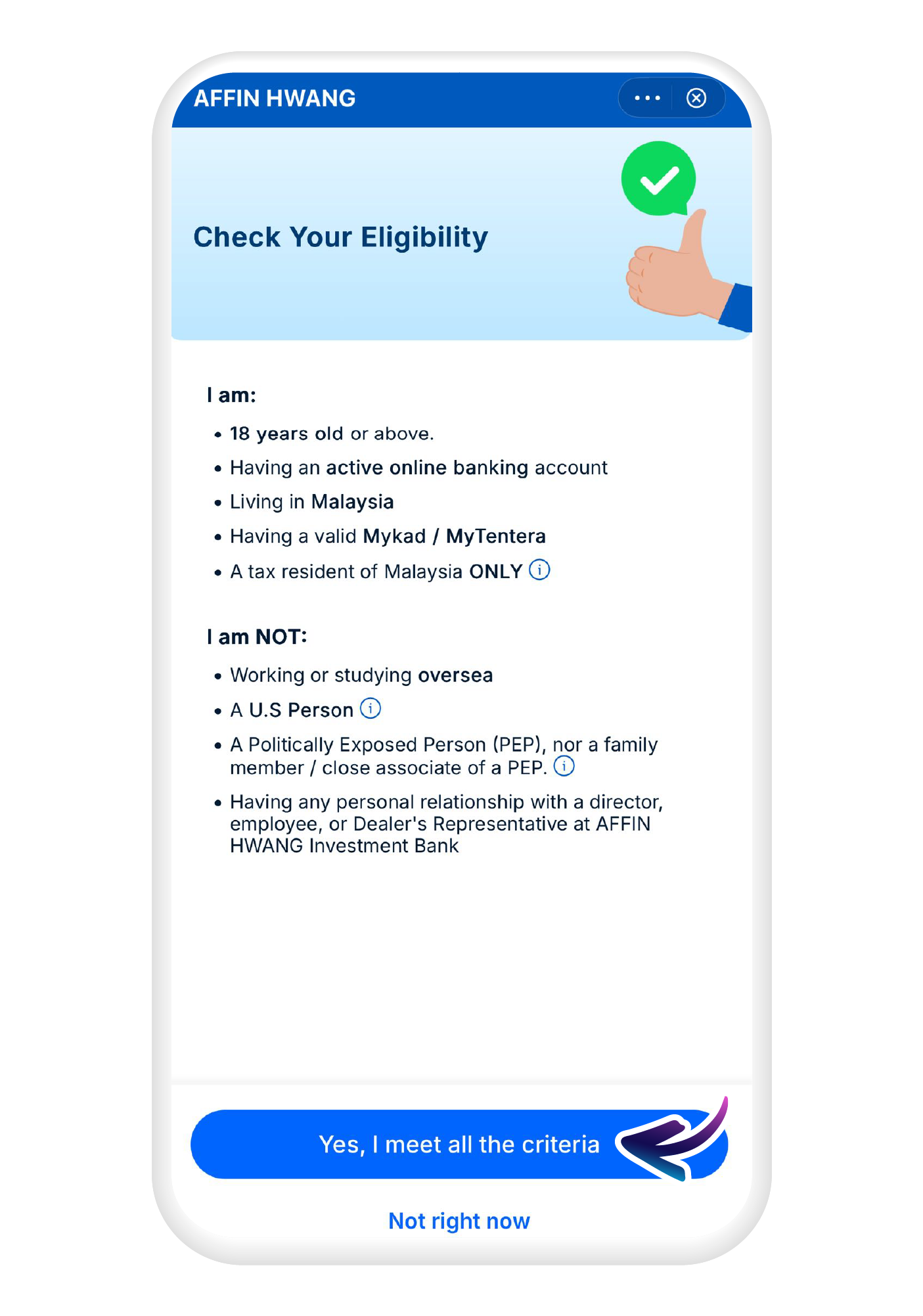
Check the eligibility requirements, and tap on "Yes, I meet all the criteria"
4
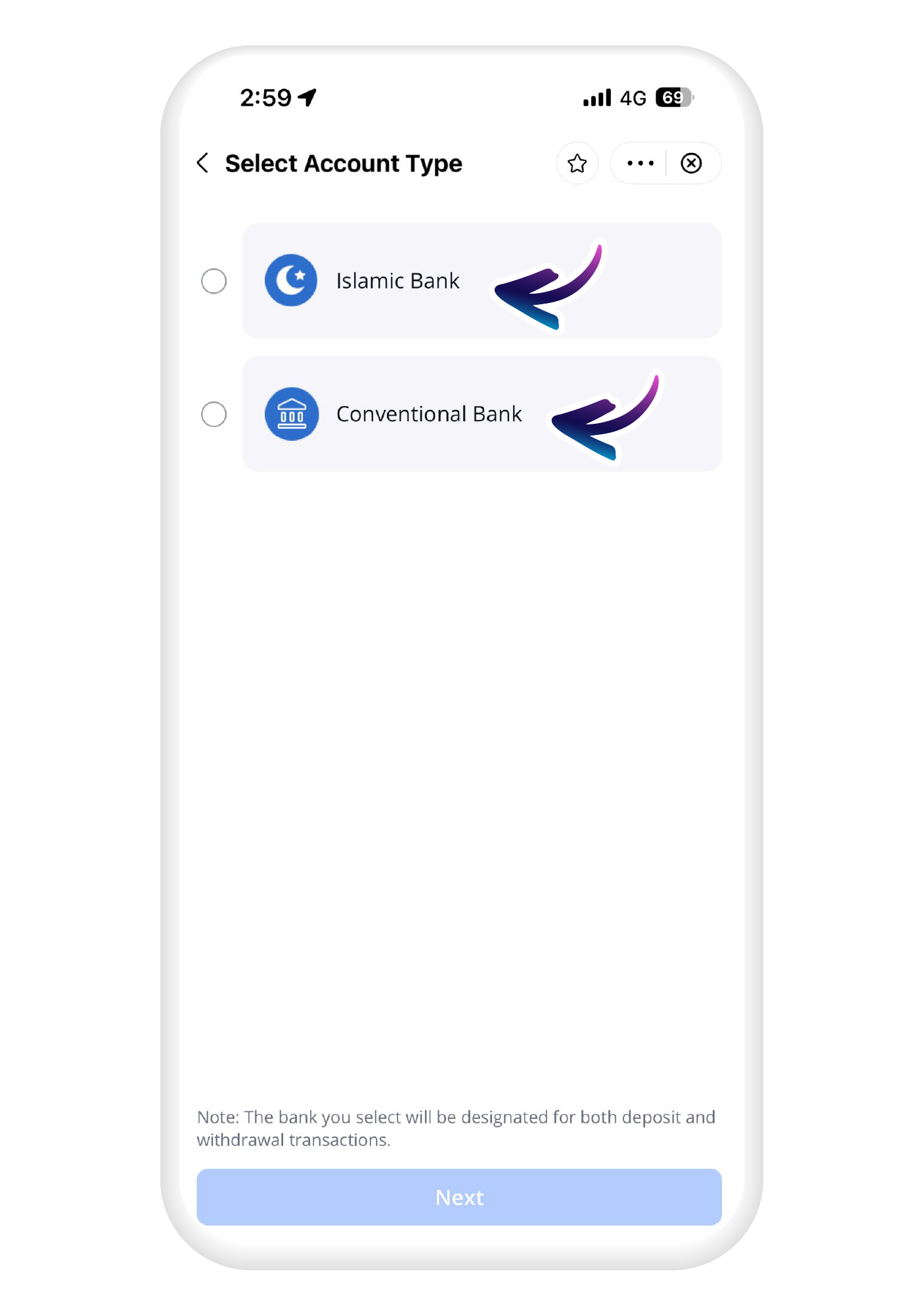
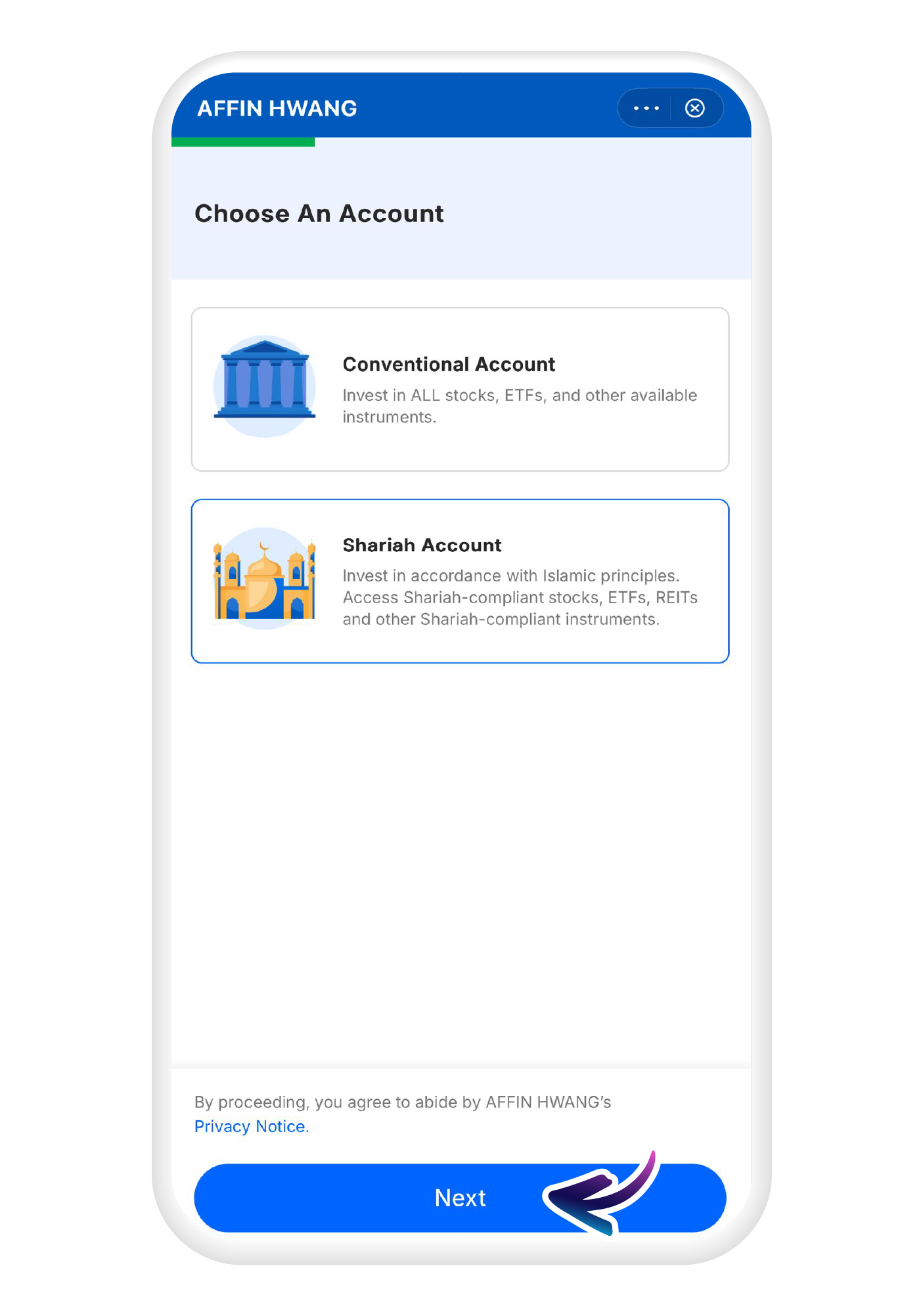
Choose the type of account you'd like to open, and tap on "Next" to proceed
5
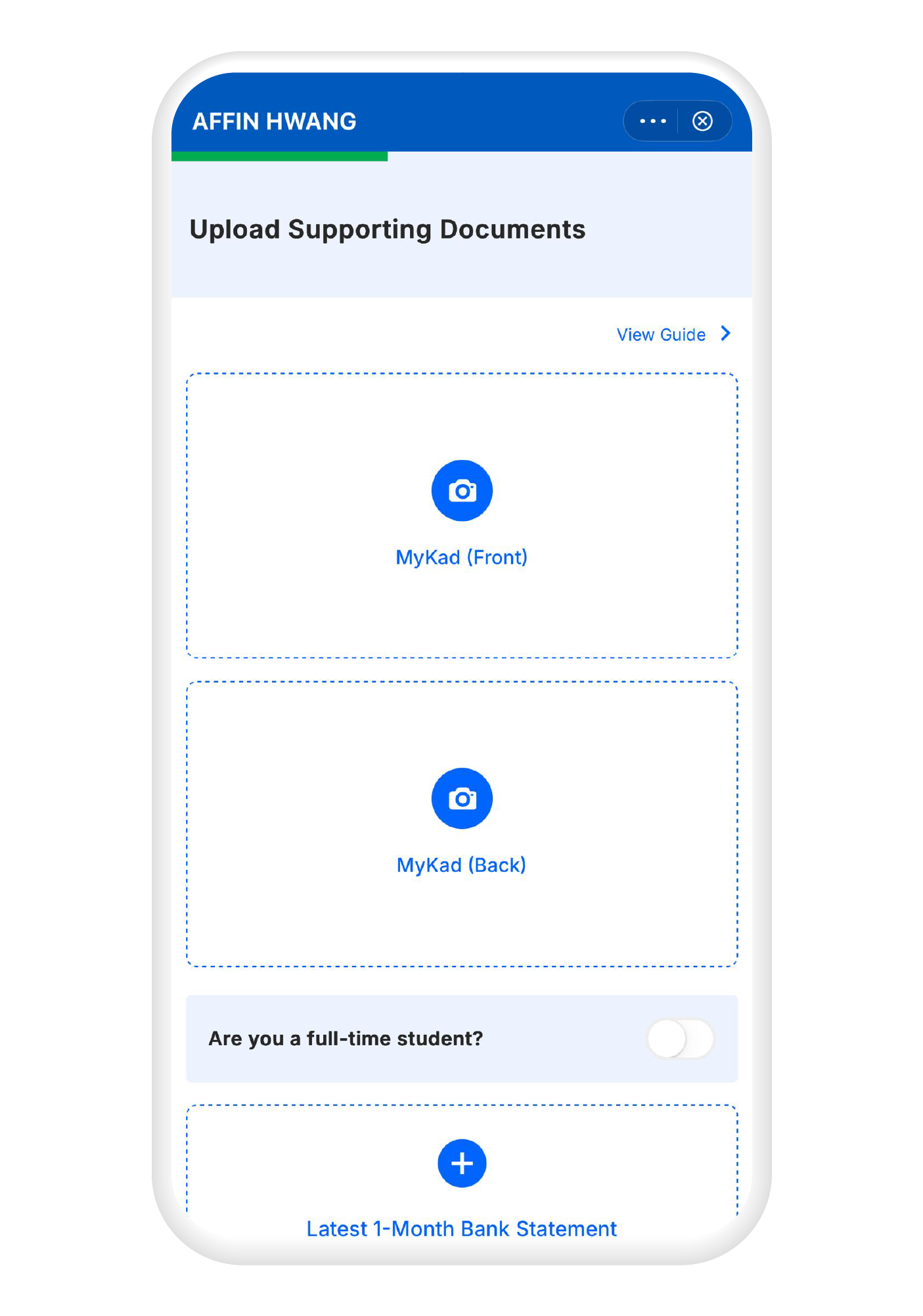
Upload all of the required supporting documents
6
Fill in all the required details
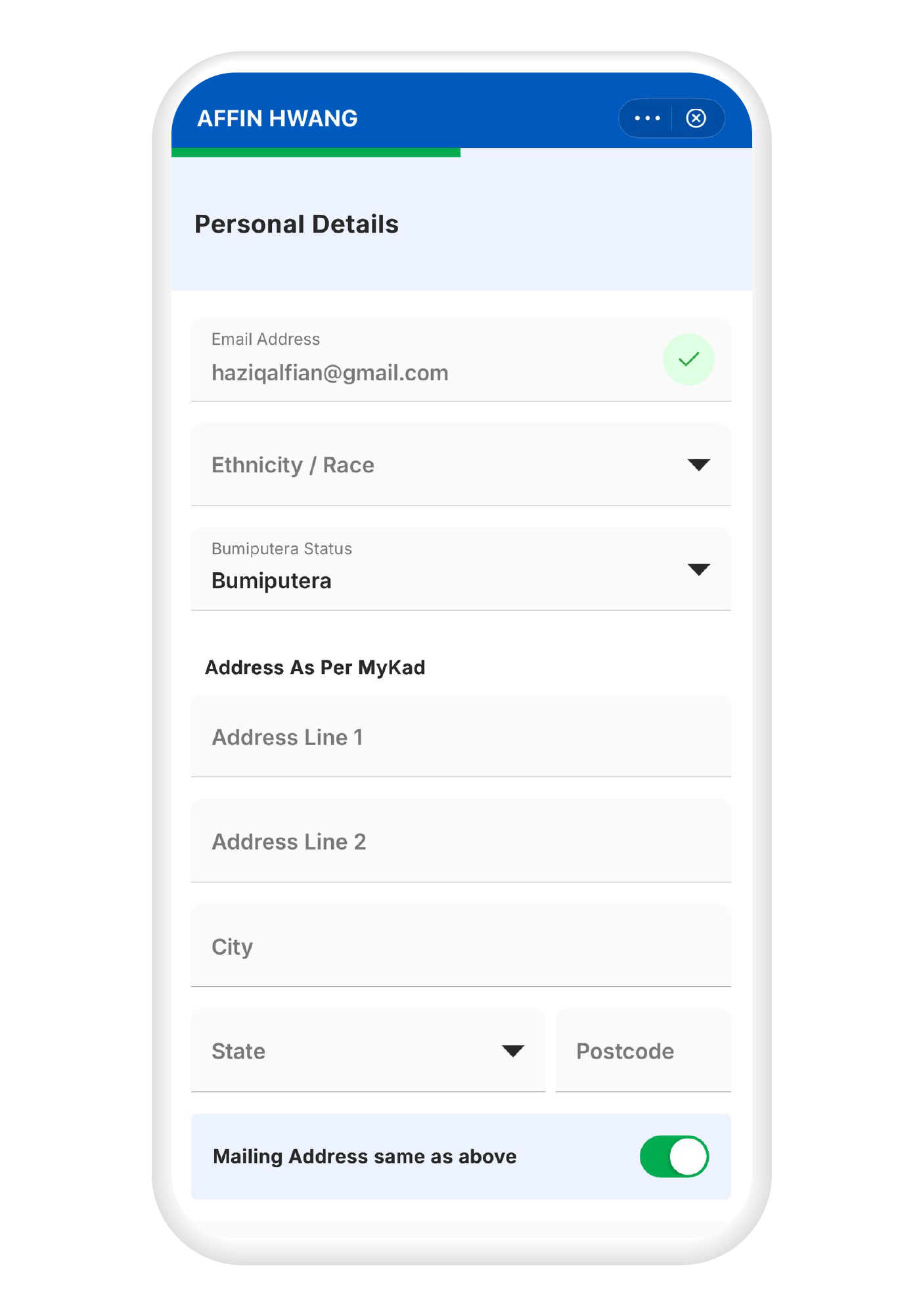
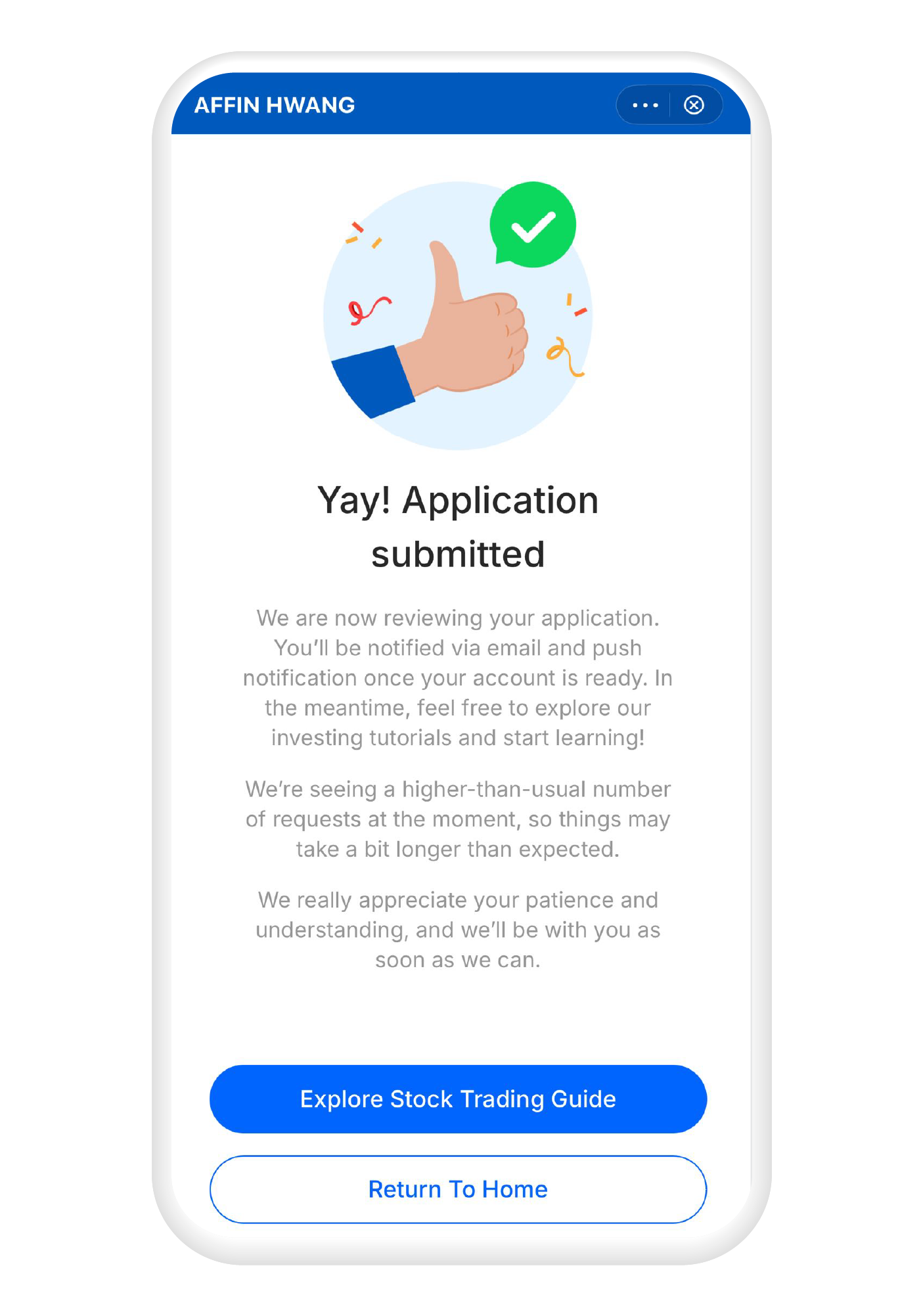
7
Your application has been submitted, and you will receive an e-mail when your application has been approved