Park with License Plate Recognition At Suria KLCC
01 Nov 2026 - 15 Nov 2026

LPR PARKING · LICENSE PLATE RECOGNITION
Your car plate is
your parking pass.
LPR reads your car plate at participating car parks. Parking fees are deducted automatically from your TNG eWallet when you exit.
Register before entering a participating car park.
No winding down
No need to reach out. Stay comfortable inside your car.
Skip the pay station
No payment-machine queues. Head straight back to your car.
Pay automatically
Parking fees are deducted from your TNG eWallet on exit.
A SIMPLER WAY TO PARK
Get started in 3 steps.
1)Add your vehicle
Register your car plate in TNG eWallet “LPR Parking” before entering.
2)Drive into a participating car park
The camera recognises your registered plate.
3)Drive out — payment is automatic
Parking fees are deducted from your TNG eWallet.
Before you park: Keep sufficient balance in your TNG eWallet.
Registered after entering? LPR starts on your next visit.
Activate in TNG eWallet
Have your car plate number ready, then follow these steps in the app:
- Open TNG eWallet.
- Go to “LPR Parking” and select “Add vehicle”.
- Complete registration and activation before entering a participating car park.
Find your next parking spot.
Open TNG eWallet → LPR Parking to check the current participating car parks before your visit.
Good to know
What is LPR Parking?
LPR stands for License Plate Recognition. It uses cameras to read your registered car plate and automatically deducts your parking fee from TNG eWallet on exit.
Can I use it at every car park?
LPR Parking is available at participating car parks. Check the current locations in TNG eWallet before your visit.
What if I register after entering?
LPR will only take effect on your next visit. Follow the car park’s payment instructions for your current visit.
Related Promotions

ASNB: Year End Campaign 2026
Invest smarter with Auto Labur or ASB Financing and stand a chance to win!
Campaign Period 1 Nov 2026 to 31 Dec 2026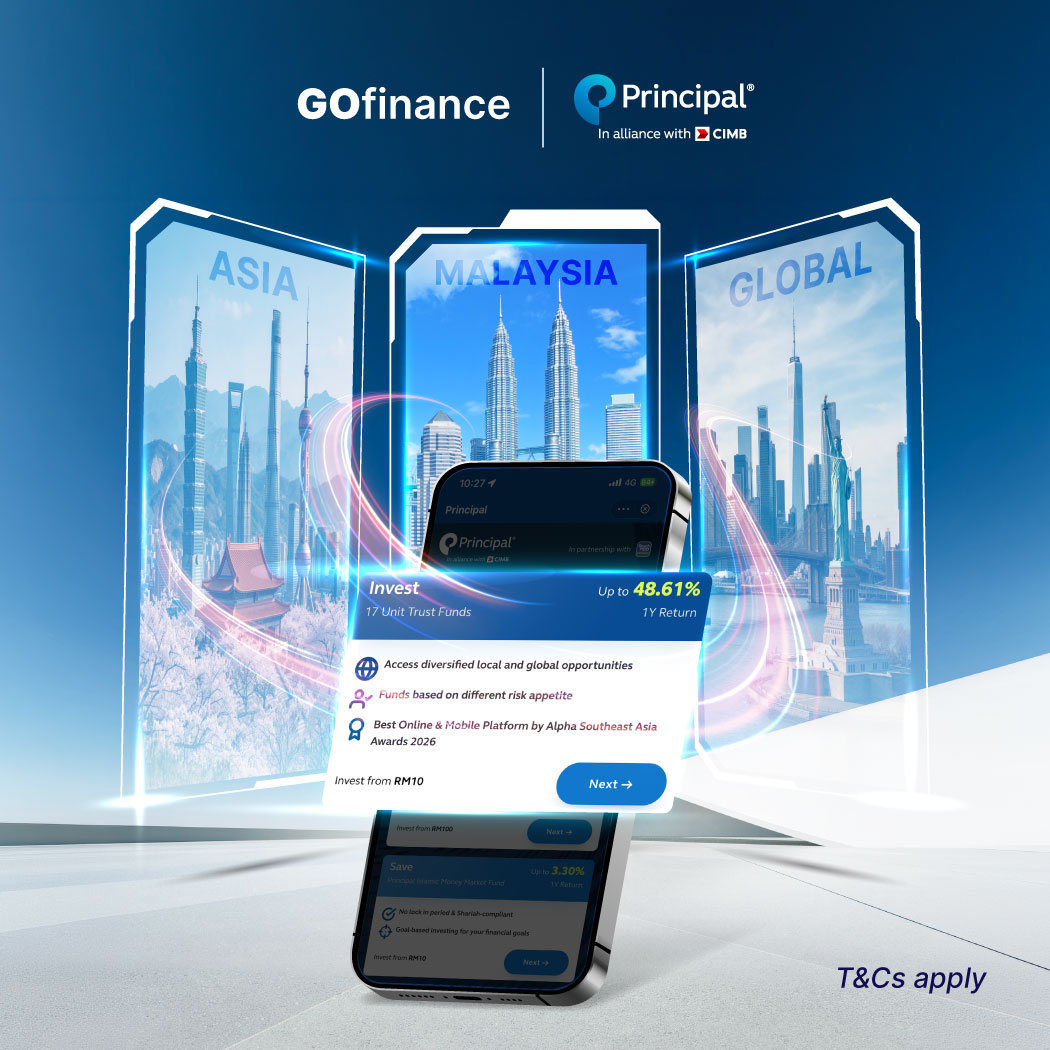
Principal: GOTitan Campaign 2026
Enjoy 50% sales rebate when you invest today.
Campaign Period 27 Oct 2026 to 30 Nov 2026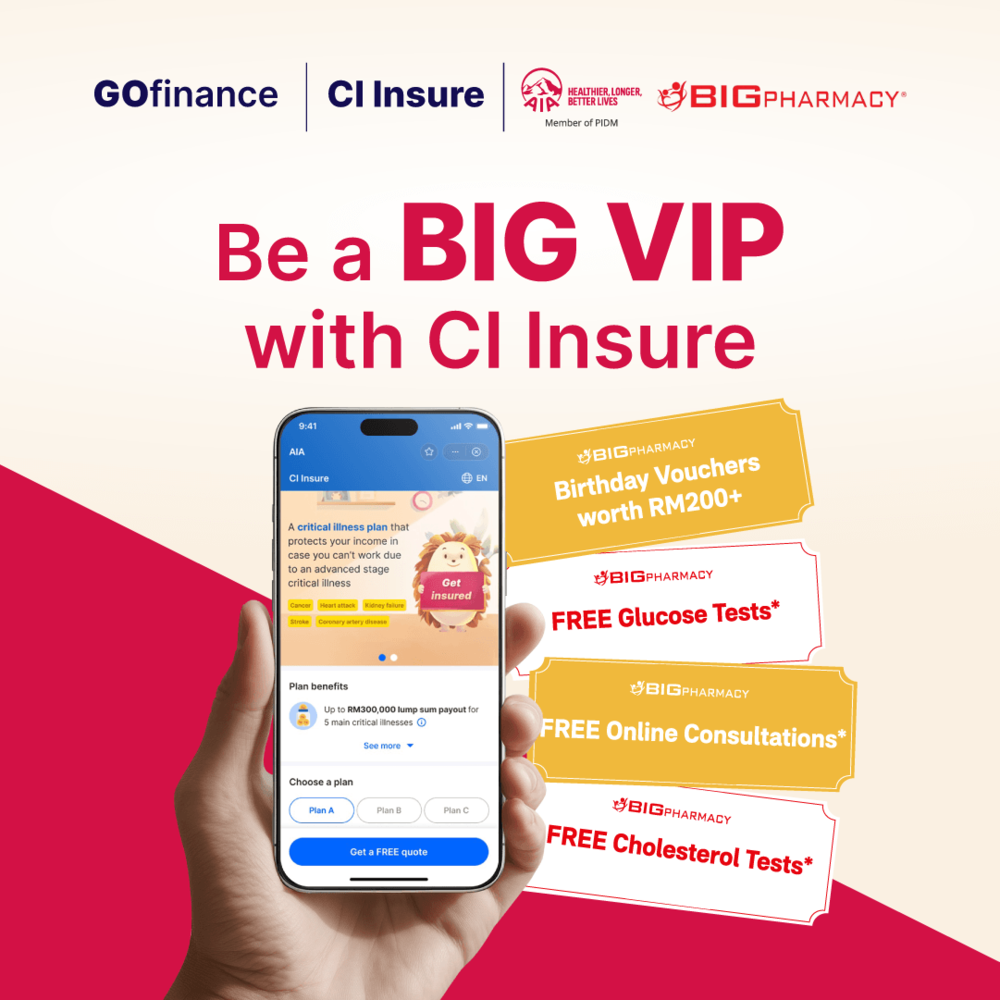
CI Insure: Be a BIG VIP
Enjoy 1-year complimentary BIG Pharmacy membership
Campaign Period 22 Oct 2026 to 31 Dec 2026