Cashback Packet: A fun new way to reward customers
Merchants can create one at any time while customers can go hunting for one.

It's a feature that lets merchants create their own cashback offers. Merchants have the flexibility to create a Cashback Packet anytime and can also cancel it whenever they choose. For customers, it’s as simple as scanning the merchant's QR code when paying for a chance to claim from the Cashback Packet.
Benefits of Cashback Packet

Drive more traffic
As customers hunt for active Cashback Packets via their eWallet, they just might stumble upon your store
DuitNow QR compatible
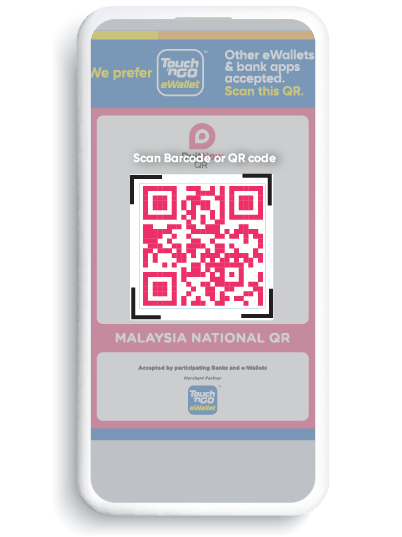
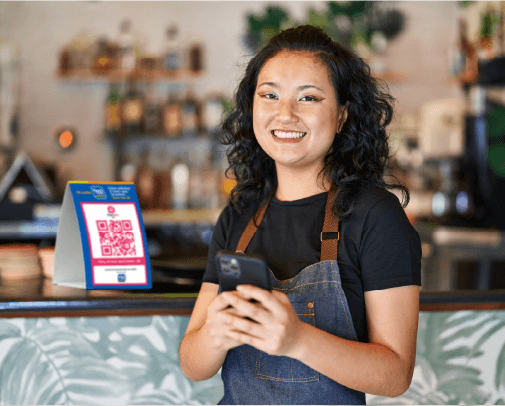
Customers can scan both Touch ‘n Go eWallet and DuitNow QR codes

Keselamatan yang boleh anda percayai
Create one in under a minute via Merchant Dashboard
How to create a Cashback Packet
How to hunt for Cashback Packet
1
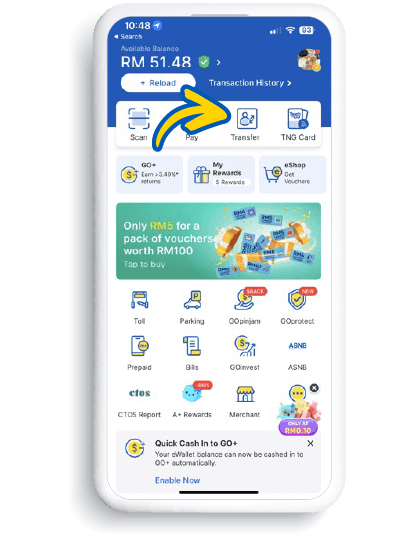
Launch your eWallet and tap "Transfer"
2
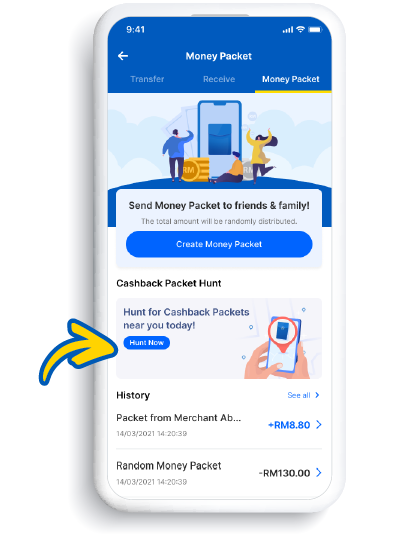
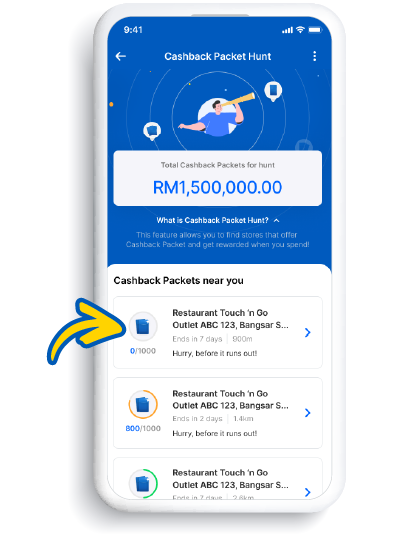
Tap "Money Packet" and then "Hunt Now"
3
Browse available Cashback Packets near you
4
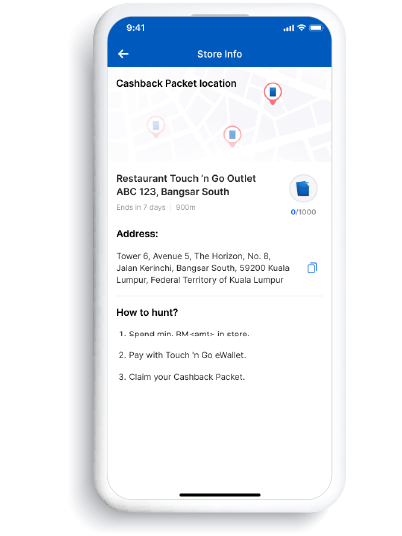
Tap on a Cashback Packet for merchant’s details and min spend requirements
5
Scan and pay to claim your Cashback Packet