Getting started with TNG eWallet begins with two simple steps — registering your account and verifying your identity.
Creating your account only takes a few minutes. Once registered, you'll need to complete an eKYC verification before you can start using the app for payments, transfers, and other services.
This identity check is quick, secure, and required for all new users. It confirms who you are, protects your wallet, and ensures your transactions stay safe at all times.
Once both steps are complete, your TNG eWallet is ready to use — giving you full access to everyday payments, transfers, and services across the app.
How to verify your TNG eWallet account
Malaysians/Residents/Foreign Workers
Tourists
1
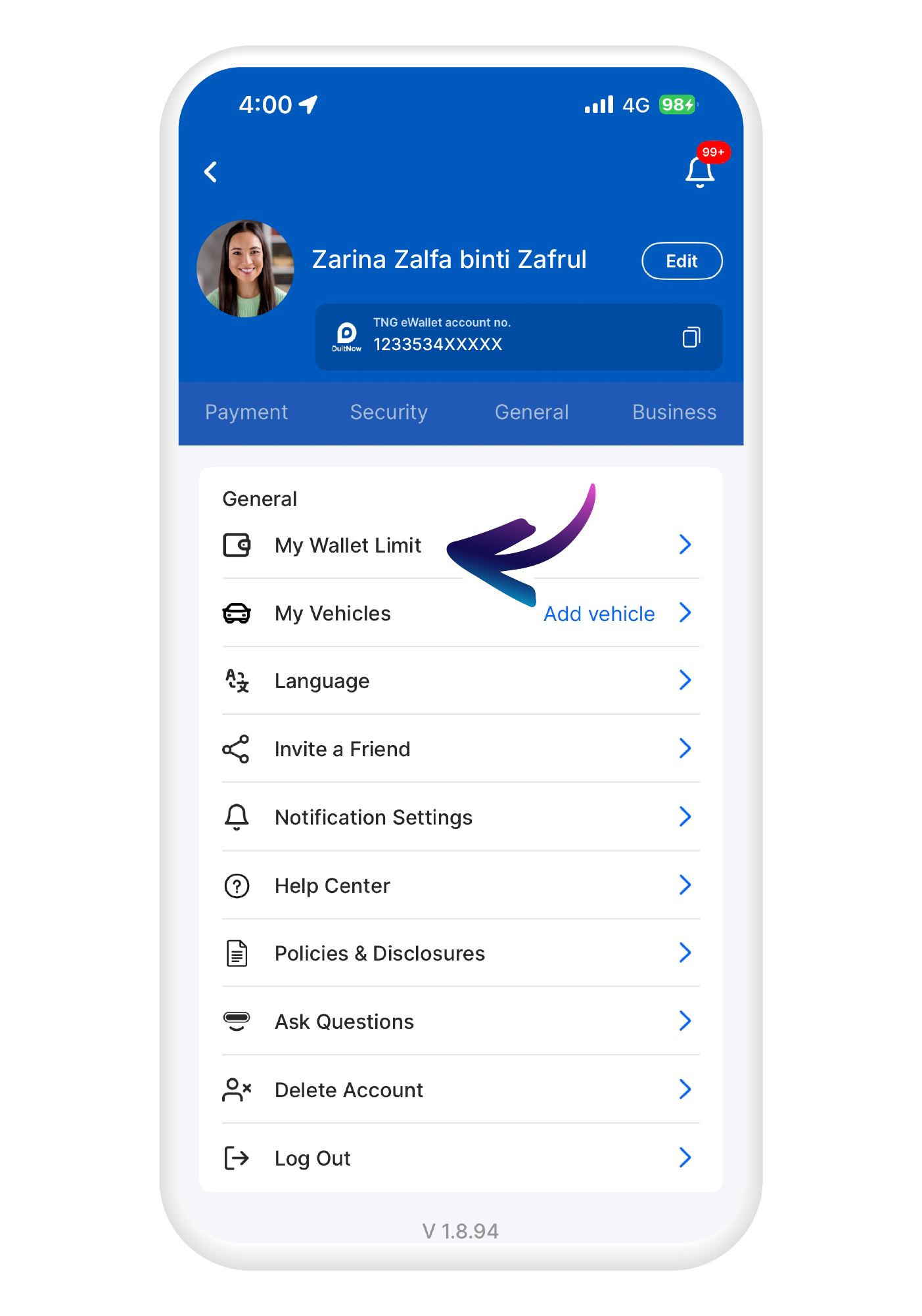
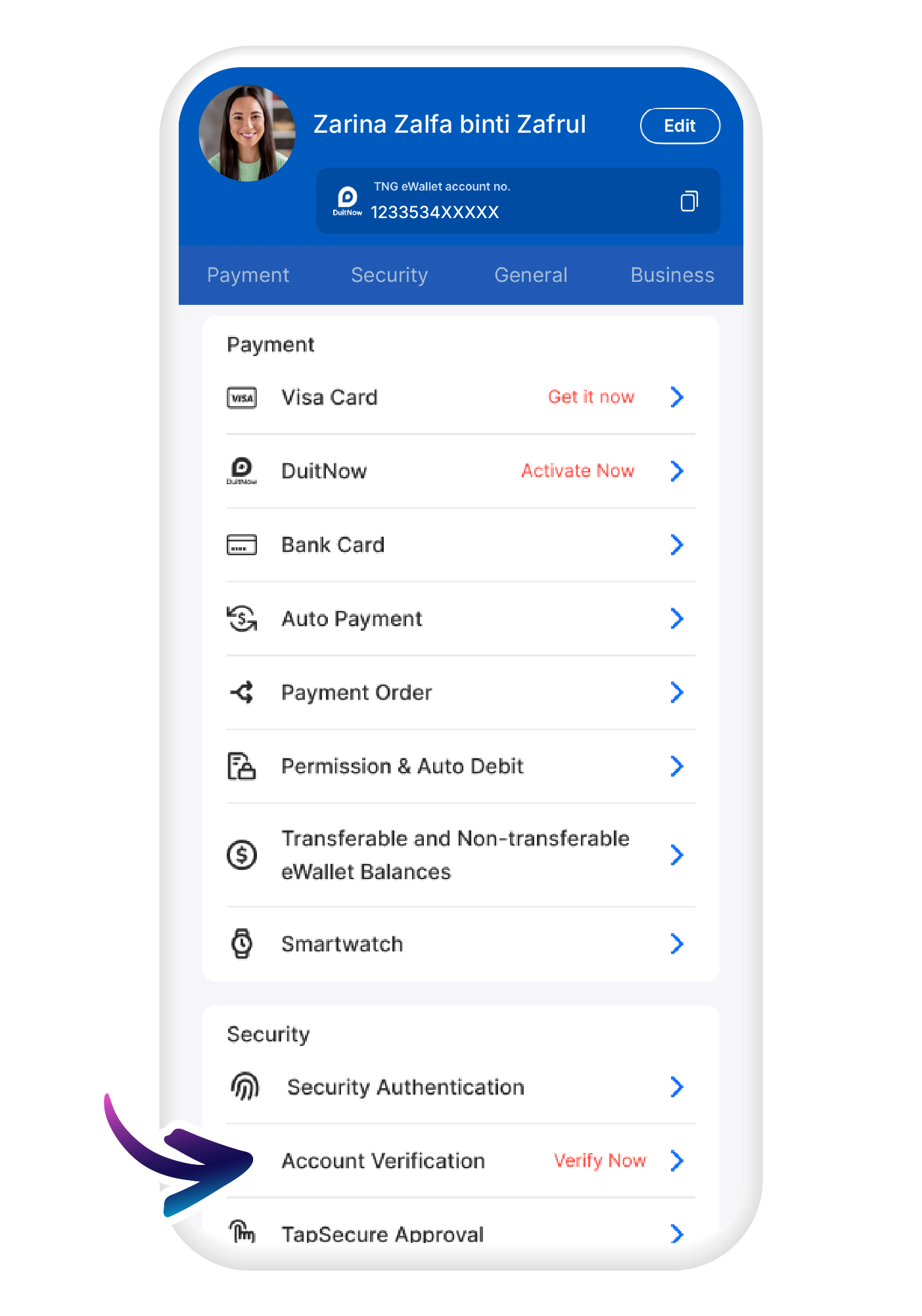
Open your TNG eWallet app
Go to your profile then tap on "Not Verified"
2
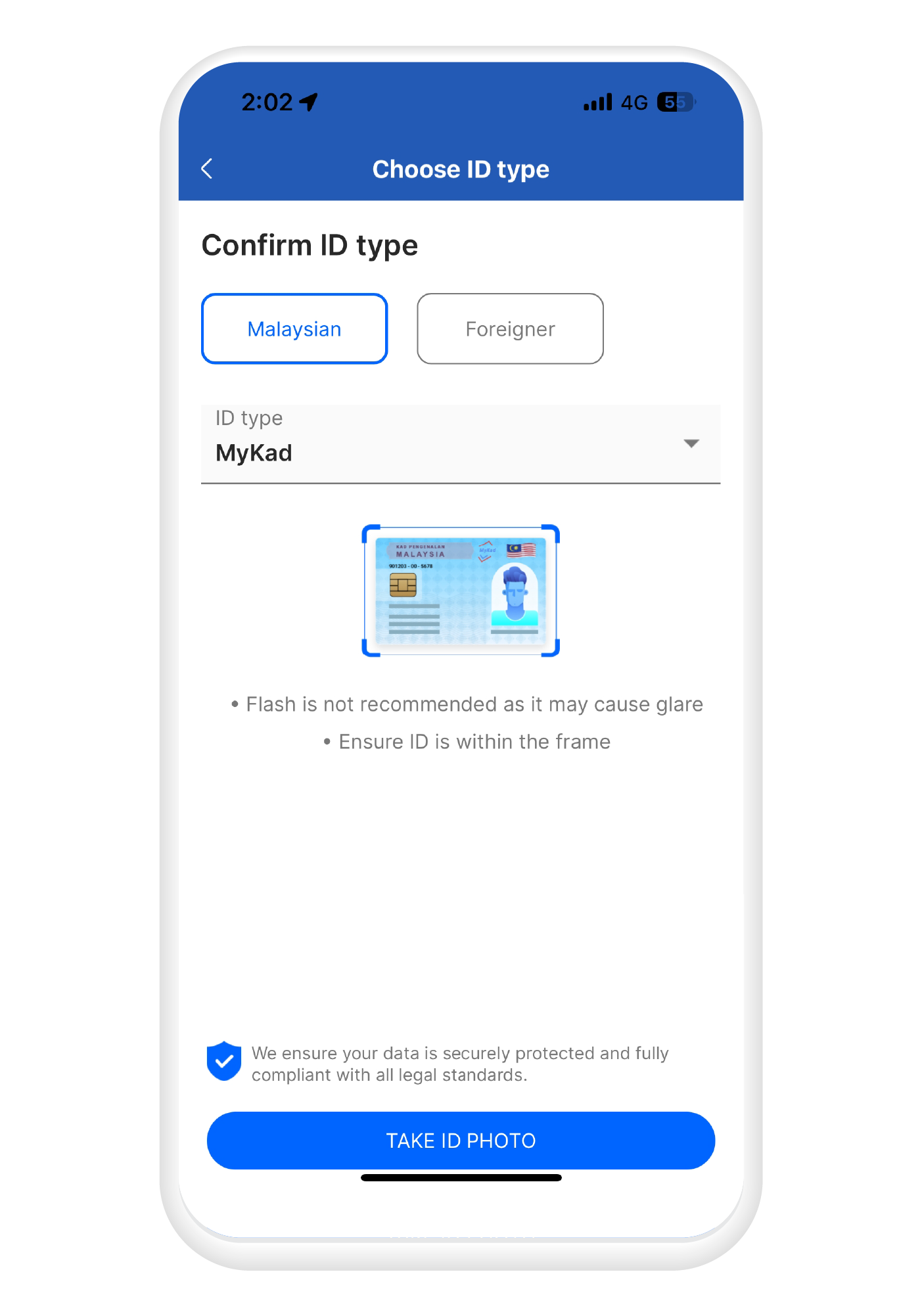
Select your ID group and type
For Malaysians use your MyKad. For foreigners, please use passport
3
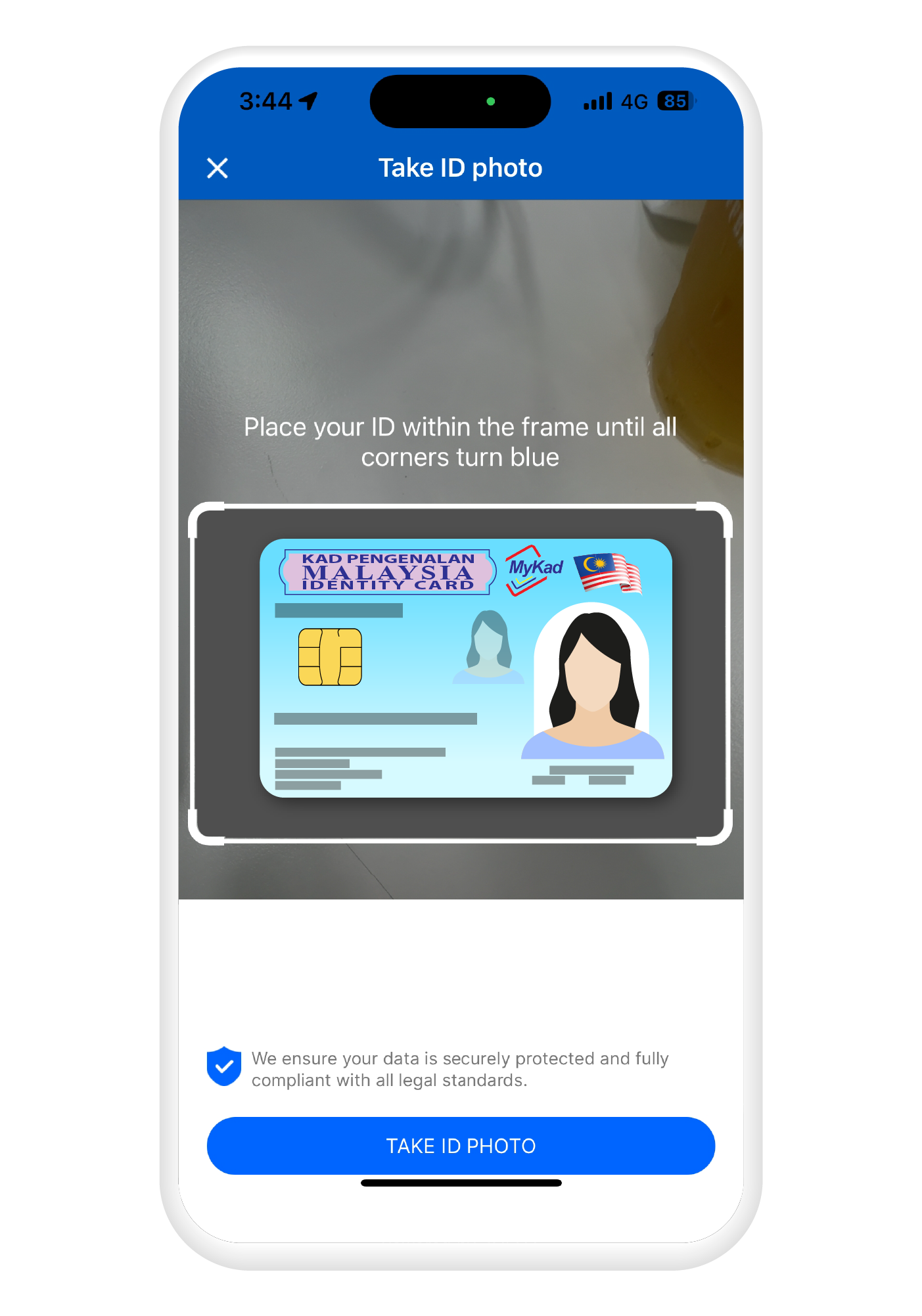
Take a photo of your ID
Capture the front of your ID
4
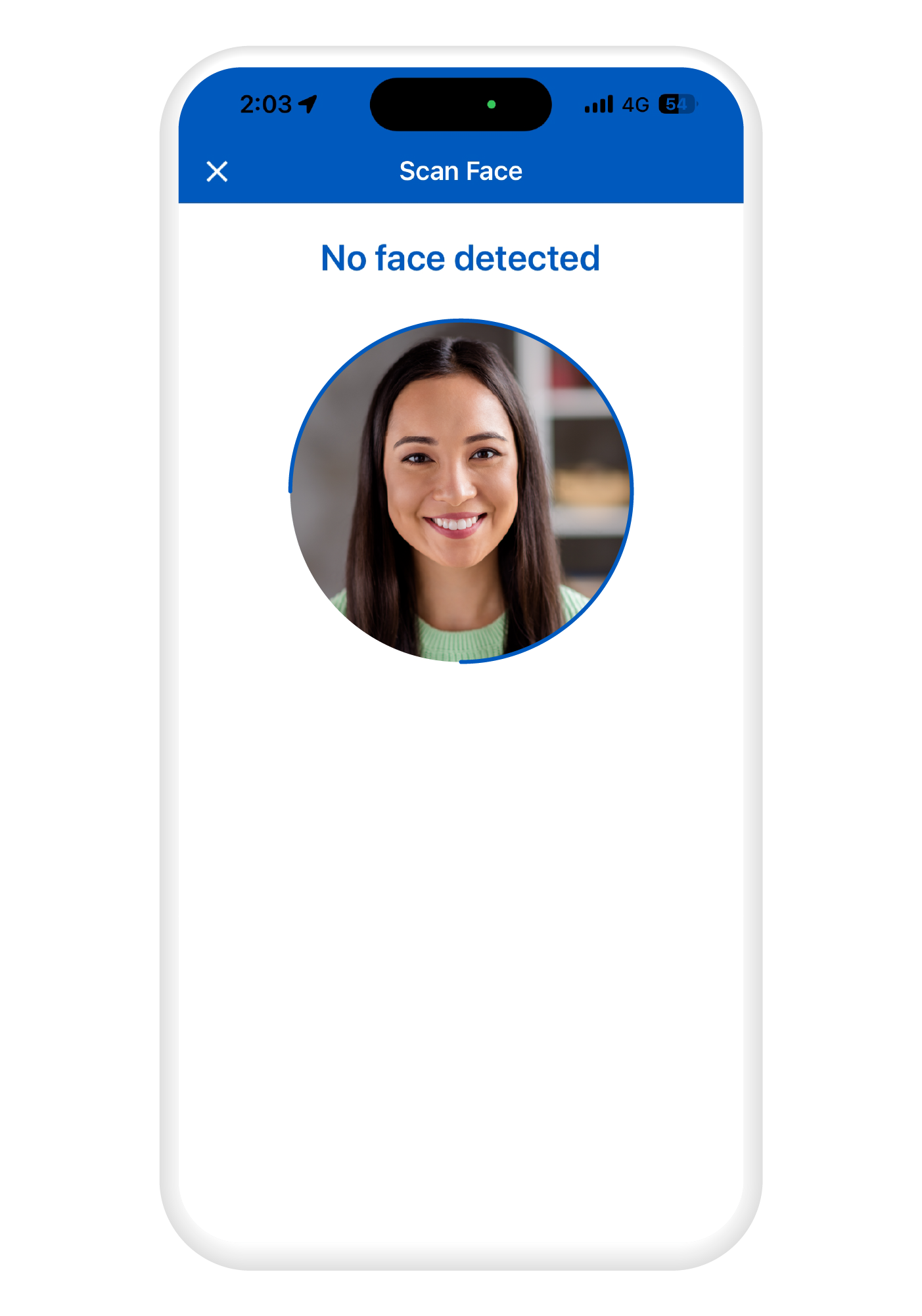
Take a selfie
Followed by a selfie for verification
5
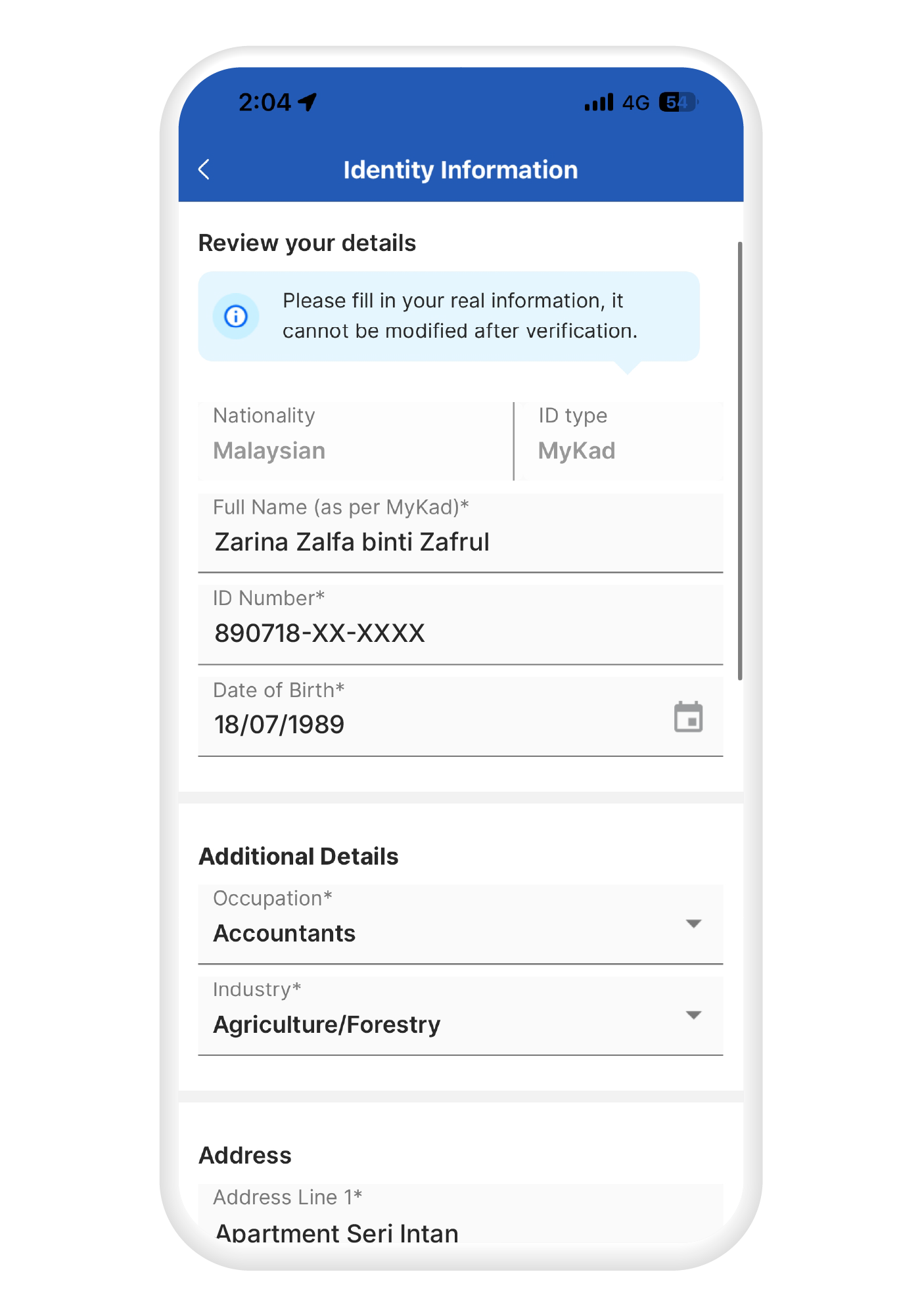
Check and confirm details
Ensure all information is correct before proceeding
6
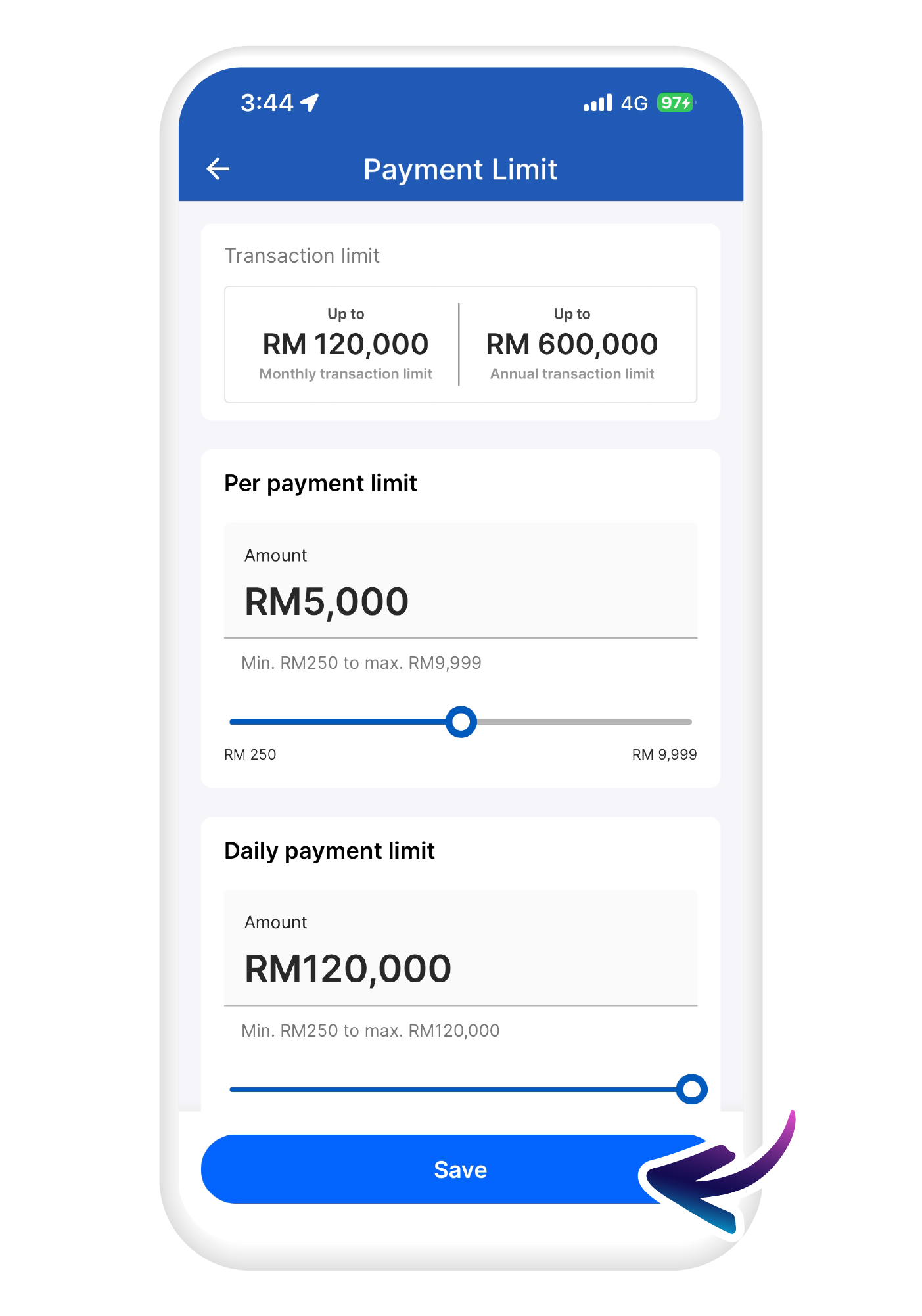
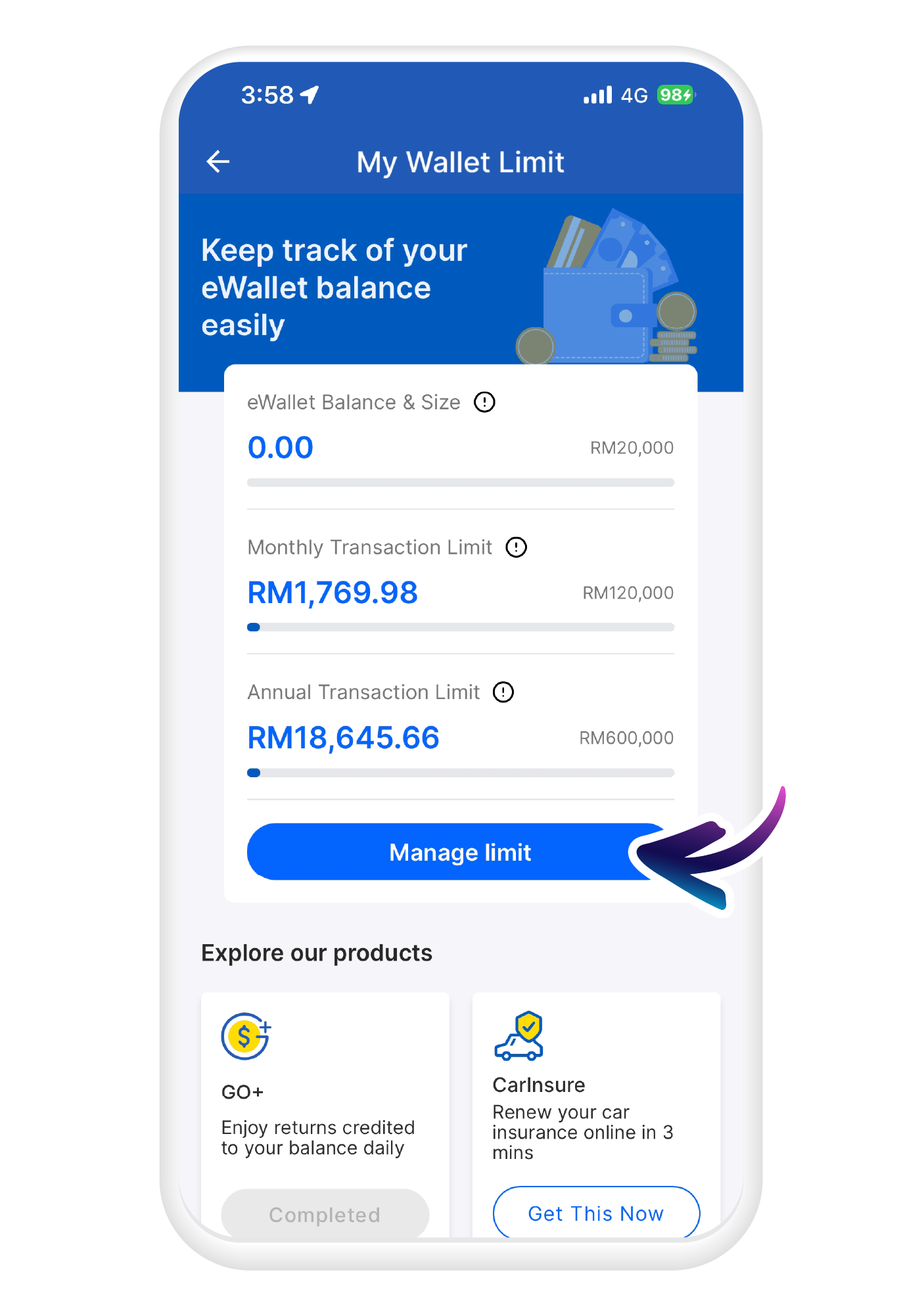
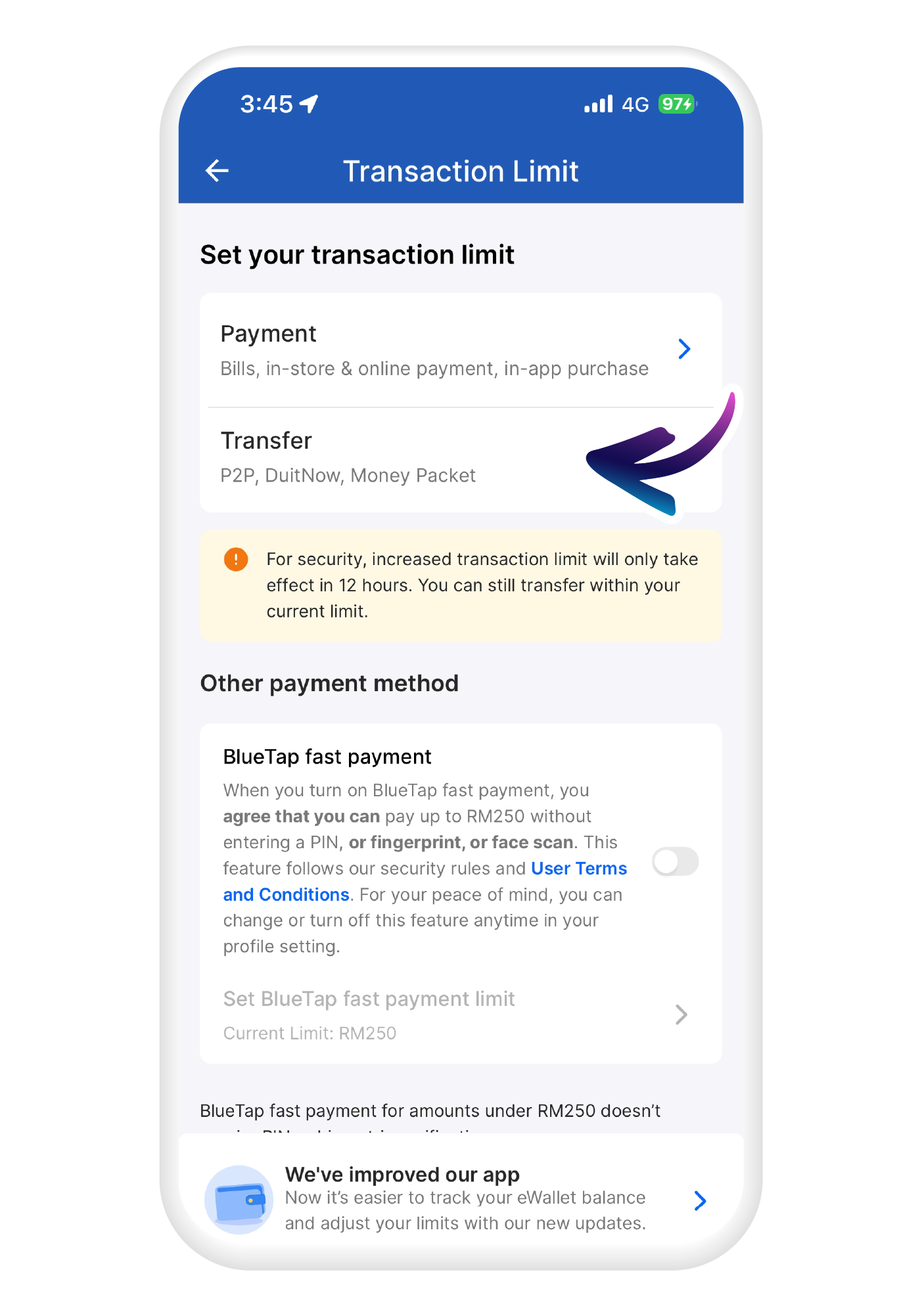
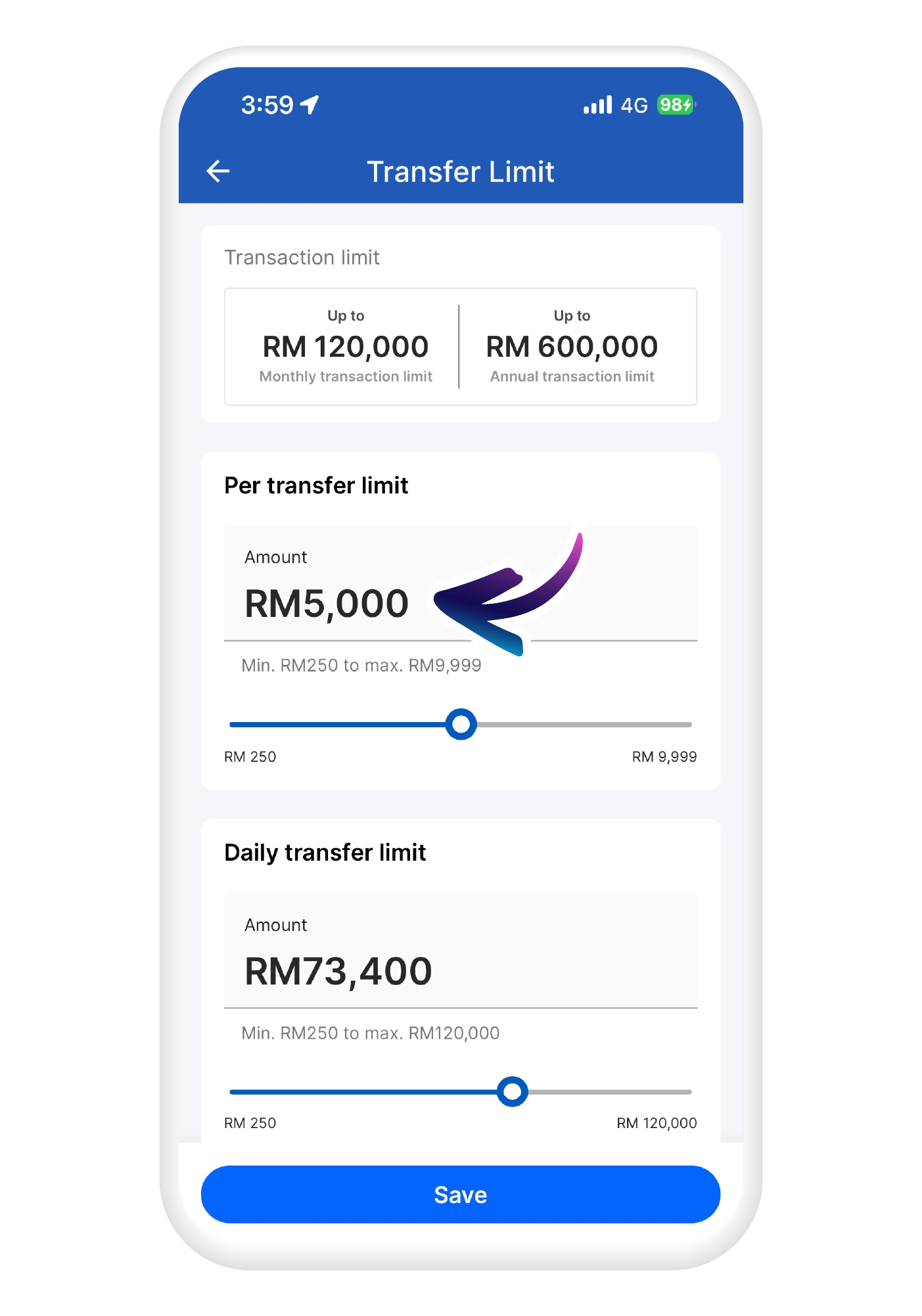
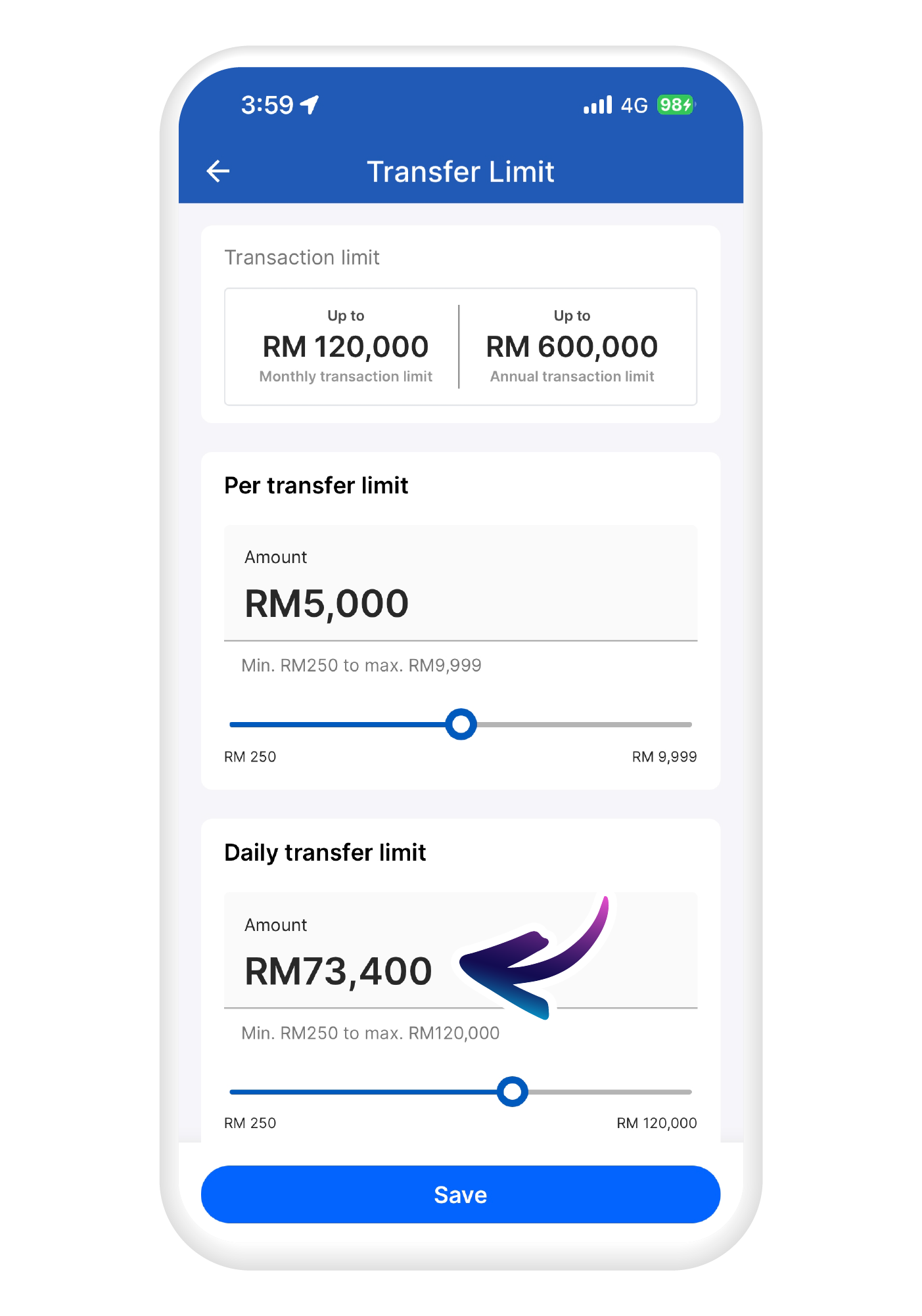
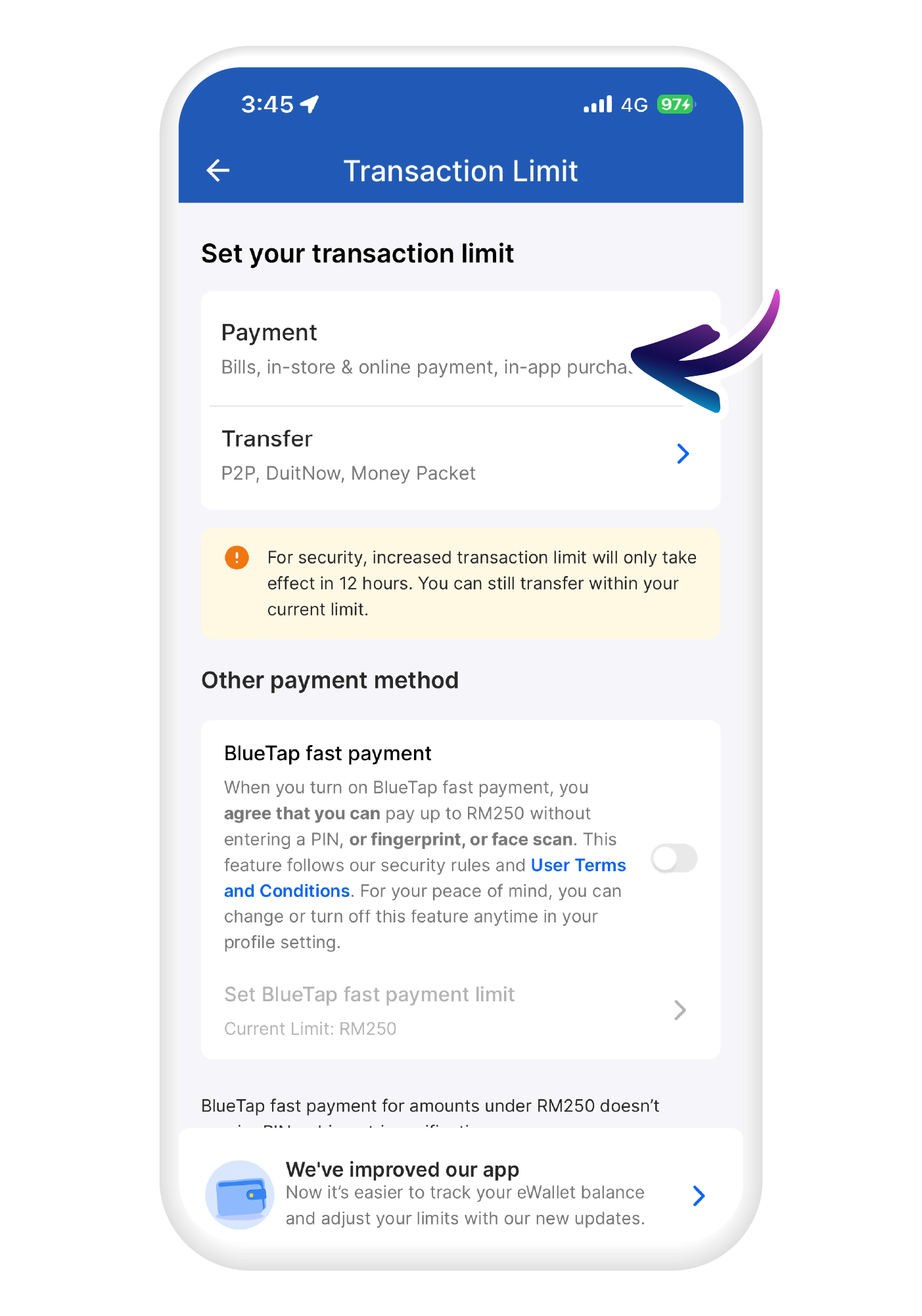
Set daily payment limit
Adjust your preferred payment limit
7
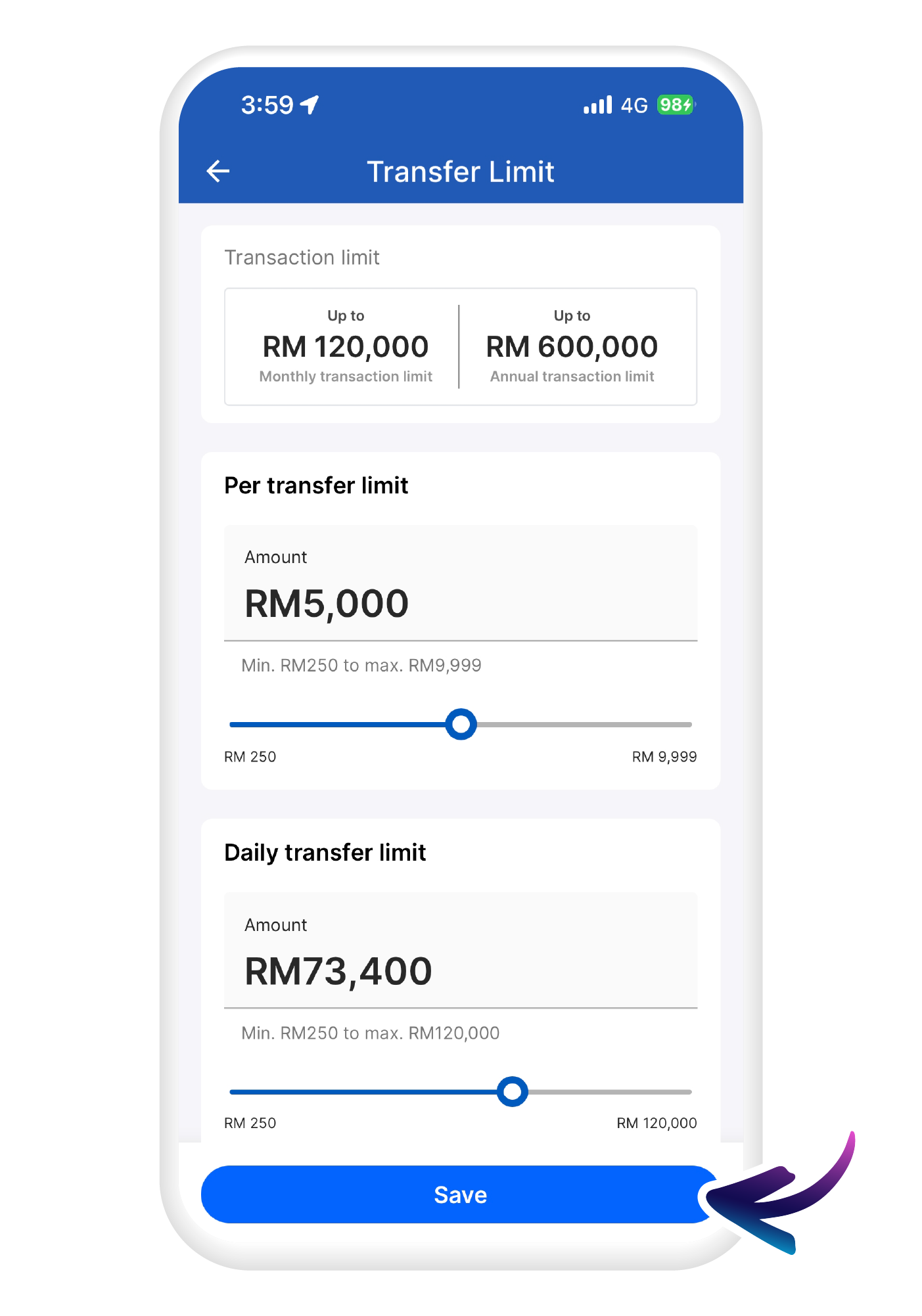
Save your submission
Hit "Save" when you are done